소개
Is the audio for your headphones distorted or not working? You will have to replace it. This will require you to solder so please refer to this guide to do so.
필요한 것
-
-
-
Remove the tape from the edges of the battery and the small piece on the motherboard.
-
-
-
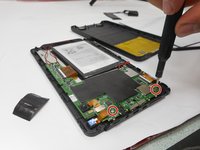
Remove the two 5mm screws from the mother board.
-
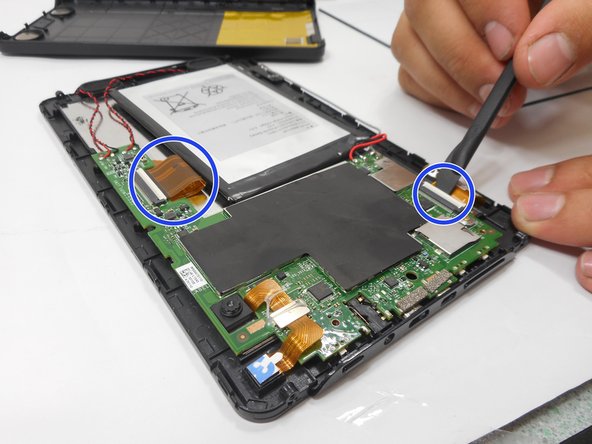
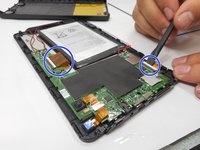
Remove the connectors by lifting the tabs and pulling gently.
-
-
-
Desolder the connections holding the audio jack. To do so, refer to this guide.
-


 FixBot에 문의하기


결론
To reassemble your device, follow these instructions in reverse order.

팀

University of New Orleans, Team 3-7, McDonald Fall 2023 University of New Orleans, Team 3-7, McDonald Fall 2023 회원
UNO-MCDONALD-F23S3G7
3 회원들
안내서 4개를 작성함
