주요 콘텐츠로 건너뛰기
수리 커뮤니티 가입 - 계정 만들기

LG Cosmos 2 LCD Display Replacement

필요한 것

  1. LG Cosmos 2 LCD Display Replacement, Battery: 1 단계, 이미지 3개 중 1개 LG Cosmos 2 LCD Display Replacement, Battery: 1 단계, 이미지 3개 중 2개 LG Cosmos 2 LCD Display Replacement, Battery: 1 단계, 이미지 3개 중 3개
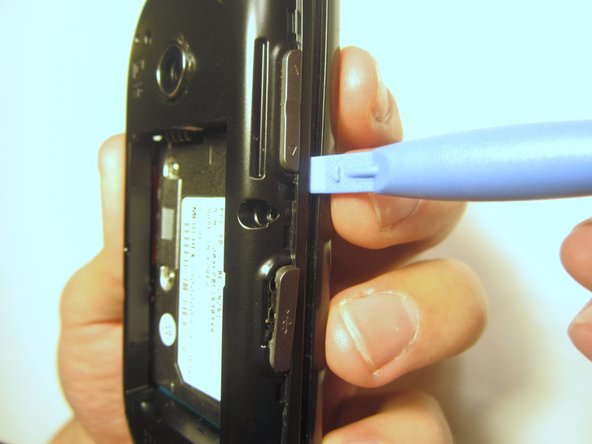
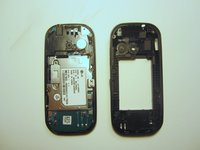
    • Insert the plastic opener into the slot at the top of the device.

    • Apply gentle pressure with the plastic tool to pop the back case off.

    댓글 쓰기

  2. LG Cosmos 2 LCD Display Replacement: 2 단계, 이미지 3개 중 1개 LG Cosmos 2 LCD Display Replacement: 2 단계, 이미지 3개 중 2개 LG Cosmos 2 LCD Display Replacement: 2 단계, 이미지 3개 중 3개
    • Use the plastic opener to lift, and remove, the device battery.

    댓글 쓰기

  3. LG Cosmos 2 LCD Display Replacement, Rear Case: 3 단계, 이미지 1개 중 1개
    • Use a screwdriver and corresponding bit to remove the six 2mm screws that are located along the edge of the rear case. Set the screws aside.

    댓글 쓰기

  4. LG Cosmos 2 LCD Display Replacement: 4 단계, 이미지 3개 중 1개 LG Cosmos 2 LCD Display Replacement: 4 단계, 이미지 3개 중 2개 LG Cosmos 2 LCD Display Replacement: 4 단계, 이미지 3개 중 3개
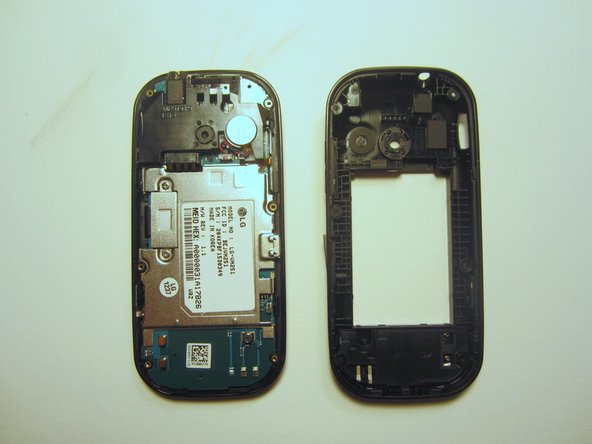
    • Use the plastic opener to pry the rear case loose.

    • This can be difficult. You will need to pry around the entire edge of the rear case, not just in one place.

    댓글 쓰기

  5. LG Cosmos 2 LCD Display Replacement, Motherboard: 5 단계, 이미지 1개 중 1개
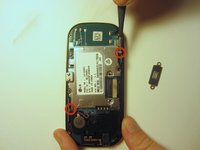
    • Use a screwdriver and corresponding bit to remove the two 3mm screws that attach the motherboard to the front case. Set the screws aside

    댓글 쓰기

  6. LG Cosmos 2 LCD Display Replacement: 6 단계, 이미지 1개 중 1개
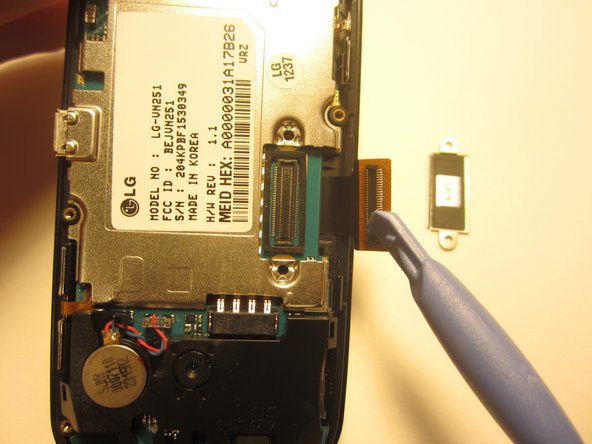
    • Rotate the phone 180 degrees and use the plastic opener to lift the metal piece that covers the ribbon cable.

    댓글 쓰기

  7. LG Cosmos 2 LCD Display Replacement: 7 단계, 이미지 2개 중 1개 LG Cosmos 2 LCD Display Replacement: 7 단계, 이미지 2개 중 2개
    • Use the plastic opener to disconnect the ribbon cable.

    댓글 쓰기

  8. LG Cosmos 2 LCD Display Replacement: 8 단계, 이미지 2개 중 1개 LG Cosmos 2 LCD Display Replacement: 8 단계, 이미지 2개 중 2개
    이 단계에 사용된 도구:
    Tweezers
    $4.99
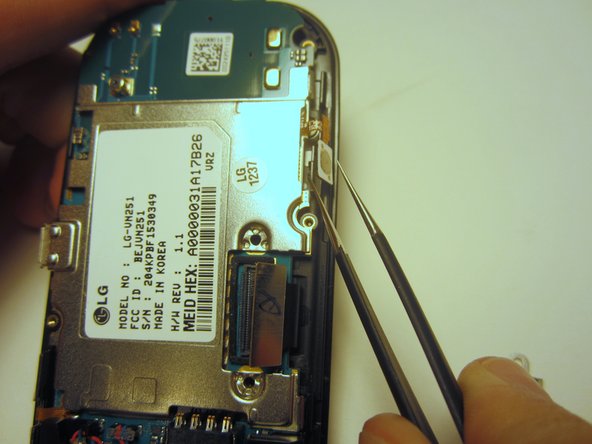
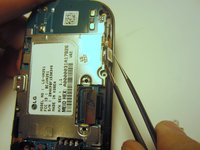
    • Use tweezers to disconnect the two cables that attach the motherboard to the case.

    • Note: Pull on the cables gently to prevent damage for future use.

    댓글 쓰기

  9. LG Cosmos 2 LCD Display Replacement: 9 단계, 이미지 1개 중 1개
    • Remove the motherboard from the front case.

    댓글 쓰기

  10. LG Cosmos 2 LCD Display Replacement, Option Buttons: 10 단계, 이미지 1개 중 1개
    • Use a screwdriver and corresponding bit to remove the four 1mm screws. Set the screws aside.

    댓글 쓰기

  11. LG Cosmos 2 LCD Display Replacement: 11 단계, 이미지 2개 중 1개 LG Cosmos 2 LCD Display Replacement: 11 단계, 이미지 2개 중 2개
    • Pull the ribbon cable through the slit in the keyboard case to separate it from the sliding mechanism.

    댓글 쓰기

  12. LG Cosmos 2 LCD Display Replacement: 12 단계, 이미지 1개 중 1개
    • Use a screwdriver and corresponding bit to remove the four 3mm screws. Set the screws aside.

    • Note: Two of the screws may be hidden underneath a black rubber film. Pull off this film if necessary.

    댓글 쓰기

  13. LG Cosmos 2 LCD Display Replacement: 13 단계, 이미지 2개 중 1개 LG Cosmos 2 LCD Display Replacement: 13 단계, 이미지 2개 중 2개
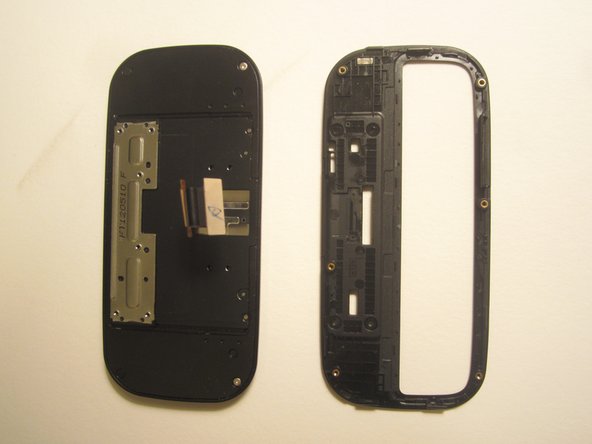
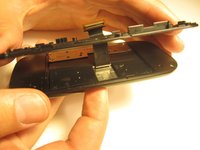
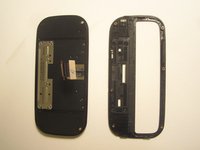
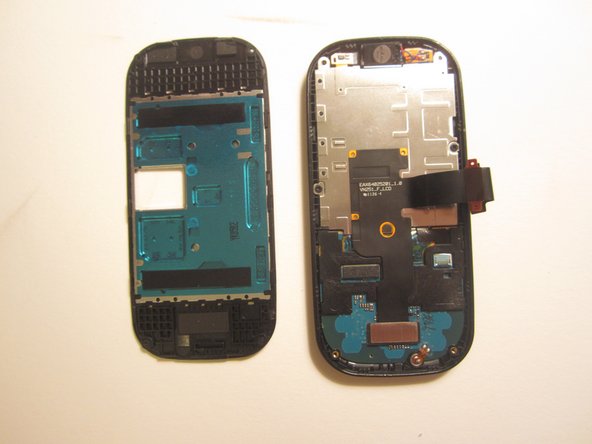
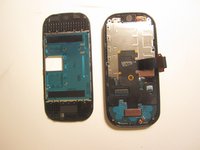
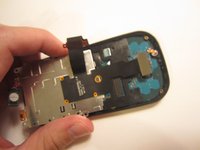
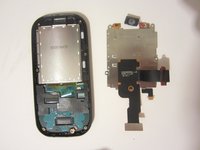
    • Use the plastic opener to pry open the front of the phone.

    • Slip the ribbon cable through the slit to fully separate the two pieces.

    댓글 쓰기

  14. LG Cosmos 2 LCD Display Replacement: 14 단계, 이미지 1개 중 1개
    • Use a screwdriver and corresponding bit to remove the two 1mm screws. Set the screws aside.

    댓글 쓰기

  15. LG Cosmos 2 LCD Display Replacement: 15 단계, 이미지 1개 중 1개
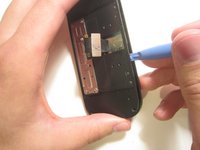
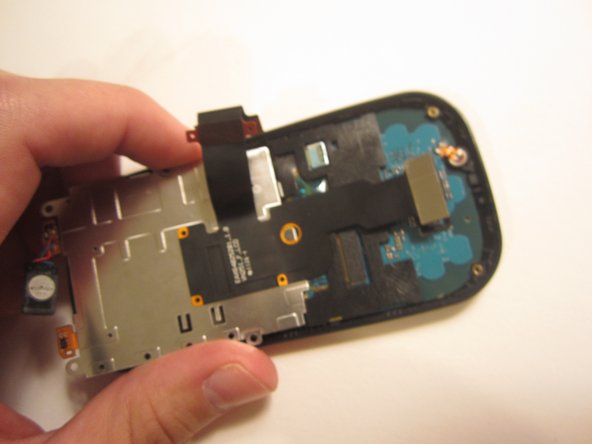
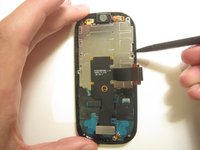
    • Detach the ribbon cable with the plastic opener.

    댓글 쓰기

  16. LG Cosmos 2 LCD Display Replacement: 16 단계, 이미지 3개 중 1개 LG Cosmos 2 LCD Display Replacement: 16 단계, 이미지 3개 중 2개 LG Cosmos 2 LCD Display Replacement: 16 단계, 이미지 3개 중 3개
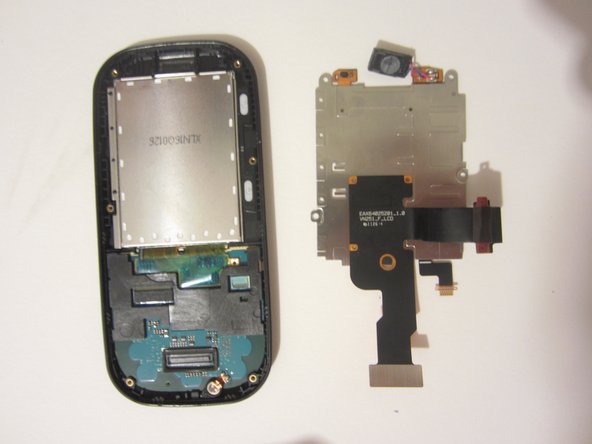
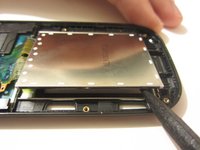
    • Use the spudger to pry the metal piece loose.

    • Remove the metal piece along with the two ribbon cables.

    댓글 쓰기

  17. LG Cosmos 2 LCD Display Replacement: 17 단계, 이미지 1개 중 1개
    • Flip the front of the phone over and the old option buttons will fall out.

    • Insert new option buttons.

    댓글 쓰기

  18. LG Cosmos 2 LCD Display Replacement, LCD Display: 18 단계, 이미지 2개 중 1개 LG Cosmos 2 LCD Display Replacement, LCD Display: 18 단계, 이미지 2개 중 2개
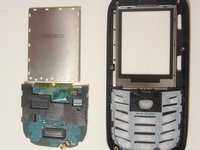
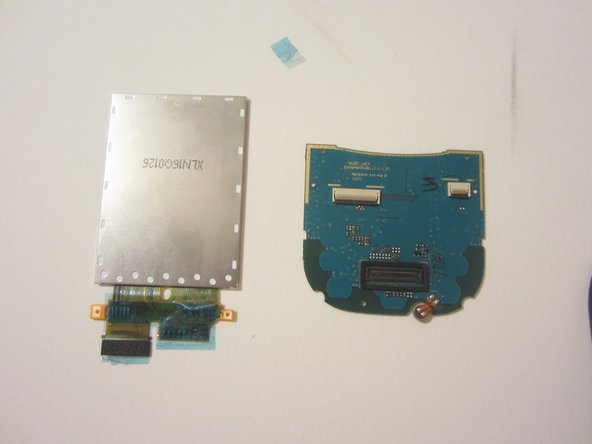
    • Use a tool to pry open the LCD display. Remove the display and the circuit board that it's connected to.

    댓글 쓰기

  19. LG Cosmos 2 LCD Display Replacement: 19 단계, 이미지 1개 중 1개
    이 단계에 사용된 도구:
    Tweezers
    $4.99
    • Remove the plastic piece from the circuit board by unlocking the switch on the plastic piece with a pair of tweezers.

    댓글 쓰기

  20. LG Cosmos 2 LCD Display Replacement: 20 단계, 이미지 1개 중 1개
    • Using a pair of tweezers, remove the tape.

    댓글 쓰기

  21. LG Cosmos 2 LCD Display Replacement: 21 단계, 이미지 1개 중 1개
    • Using either your finger or the plastic opener, disconnect the cable.

    댓글 쓰기

  22. LG Cosmos 2 LCD Display Replacement: 22 단계, 이미지 2개 중 1개 LG Cosmos 2 LCD Display Replacement: 22 단계, 이미지 2개 중 2개
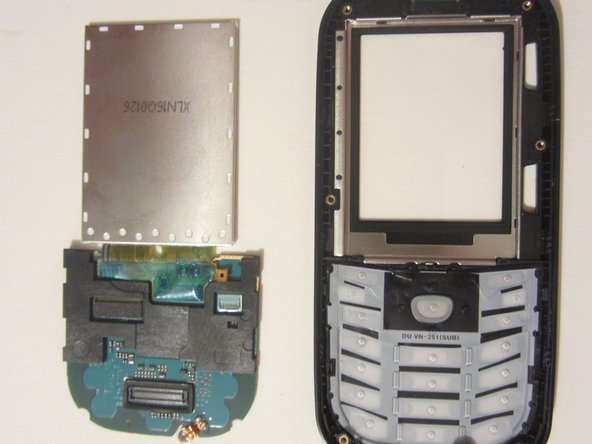
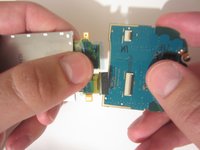
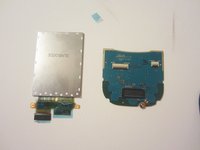
    • Pull the LCD display away from the circuit board.

    • You shouldn't feel any resistance. If you notice resistance, make sure you have completed the previous step.

    댓글 쓰기

결론

To reassemble your device, follow these instructions in reverse order.

취소: 해당 안내서를 완성하지 않았습니다.

다른 한 분이 해당 안내서를 완성하였습니다.

작성자

5다른 기여자 명과 함께

Nick White

회원 가입일: 10/18/13

866 평판

안내서 8개를 작성함

Clemson, Team 13-1, Benson Fall 2013 Clemson, Team 13-1, Benson Fall 2013 회원

CLEM-BENSON-F13S13G1

3 회원들

안내서 18개를 작성함

0가이드 댓글

댓글 쓰기

조회 통계:

지난 24시간: 1

지난 7일: 5

지난 30일: 55

전체 시간: 2,903