주요 콘텐츠로 건너뛰기

Miadore Classic N64 Controller Buttons Replacement

필요한 것

  1. Miadore Classic N64 Controller Buttons Replacement, Joystick: 1 단계, 이미지 3개 중 1개 Miadore Classic N64 Controller Buttons Replacement, Joystick: 1 단계, 이미지 3개 중 2개 Miadore Classic N64 Controller Buttons Replacement, Joystick: 1 단계, 이미지 3개 중 3개
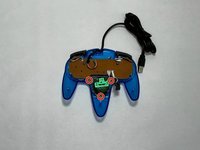
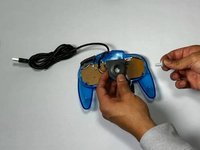
    • Use a Phillips #000 screwdriver to remove all nine 3.2 mm screws from the back of the controller.

    • Place the end of a spudger in the seam between the top and bottom of the controller to release the clips holding them together.

    • Separate the top and bottom cover of the controller.

  2. Miadore Classic N64 Controller Buttons Replacement: 2 단계, 이미지 2개 중 1개 Miadore Classic N64 Controller Buttons Replacement: 2 단계, 이미지 2개 중 2개
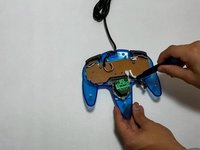
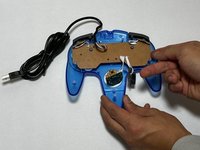
    • Remove the three 3.2 mm Phillips #000 screws holding the motherboard in place.

    • The motherboard will still be in place after the screws are removed.

  3. Miadore Classic N64 Controller Buttons Replacement: 3 단계, 이미지 3개 중 1개 Miadore Classic N64 Controller Buttons Replacement: 3 단계, 이미지 3개 중 2개 Miadore Classic N64 Controller Buttons Replacement: 3 단계, 이미지 3개 중 3개
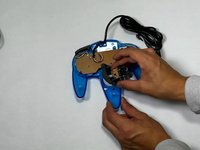
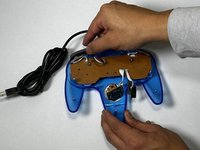
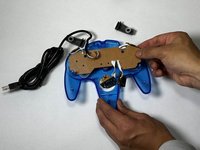
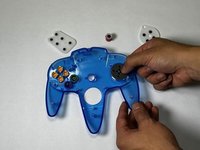
    • Remove the three 3.2 mm Phillips #000 screws holding the joystick module in place.

    • Remove the joystick module.

  4. Miadore Classic N64 Controller Buttons Replacement: 4 단계, 이미지 2개 중 1개 Miadore Classic N64 Controller Buttons Replacement: 4 단계, 이미지 2개 중 2개
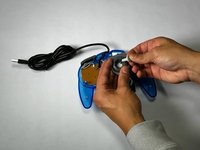
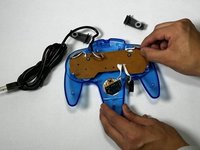
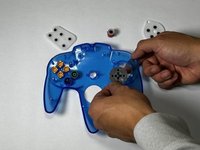
    • Remove the joystick by pulling it away from the plastic needle-like object holding it in place.

    • Replace it with a new or custom joystick.

  5. Miadore Classic N64 Controller Buttons Replacement, Buttons: 5 단계, 이미지 3개 중 1개 Miadore Classic N64 Controller Buttons Replacement, Buttons: 5 단계, 이미지 3개 중 2개 Miadore Classic N64 Controller Buttons Replacement, Buttons: 5 단계, 이미지 3개 중 3개
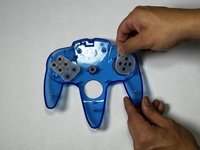
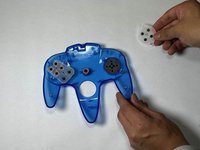
    • Remove the right and left bumper.

    • If the bumper buttons are the buttons that need to be replaced, you can stop here.

  6. Miadore Classic N64 Controller Buttons Replacement: 6 단계, 이미지 3개 중 1개 Miadore Classic N64 Controller Buttons Replacement: 6 단계, 이미지 3개 중 2개 Miadore Classic N64 Controller Buttons Replacement: 6 단계, 이미지 3개 중 3개
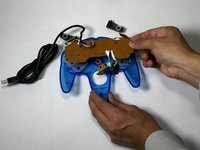
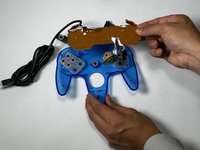
    • Pull the motherboard up with even pressure on all sides.

    • Set the motherboard to the side.

  7. Miadore Classic N64 Controller Buttons Replacement: 7 단계, 이미지 3개 중 1개 Miadore Classic N64 Controller Buttons Replacement: 7 단계, 이미지 3개 중 2개 Miadore Classic N64 Controller Buttons Replacement: 7 단계, 이미지 3개 중 3개
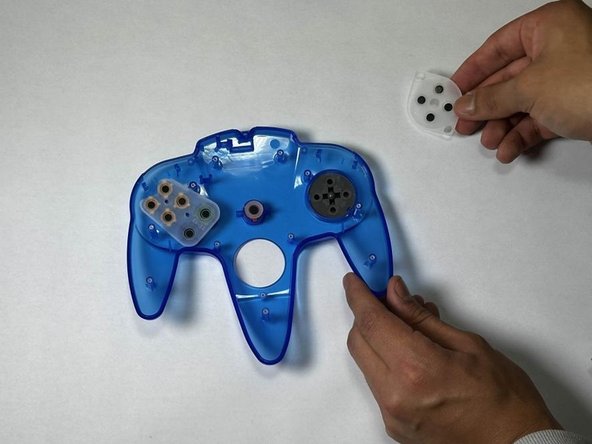
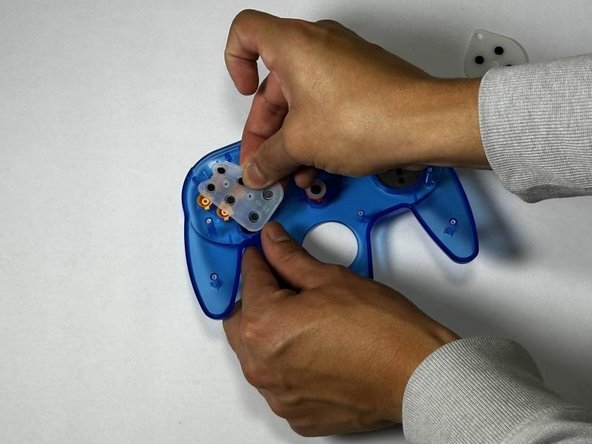
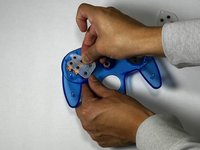
    • Remove the rubber gaskets.

    • This will reveal the buttons underneath.

  8. Miadore Classic N64 Controller Buttons Replacement: 8 단계, 이미지 2개 중 1개 Miadore Classic N64 Controller Buttons Replacement: 8 단계, 이미지 2개 중 2개
    • Push up from the bottom of the controller to pop the buttons out.

결론

To reassemble your device, follow these instructions in reverse order.

다른 2명이 해당 안내서를 완성하였습니다.

작성자

4다른 기여자 명과 함께

angel villagomez

회원 가입일: 09/16/24

301 평판

안내서 1개를 작성함

CSU Los Angeles, Team 5-3, Kershman Fall 2024 CSU Los Angeles, Team 5-3, Kershman Fall 2024 회원

CSULA-KERSHMAN-F24S5G3

5 회원들

안내서 2개를 작성함

0가이드 댓글

댓글 쓰기

조회 통계:

지난 24시간: 0

지난 7일: 1

지난 30일: 8

전체 시간: 240