소개
To complete this guide, you will need to disassemble your tablet and use a soldering iron to replace the battery. The battery is removed first in most cases, even if you are trying to remove other components.
필요한 것
-
-
-
Look towards the topside of the tablet, where the power button is located.
-
Insert a plastic opening tool in the crack between the two parts of the case.
-
Move it gently back and forth to open the case.
 FixBot에 문의하기
-
-
-
With the plastic opening tool in the opening between the two sides of the case, slide the tool along the tablet's border to separate the two sides completely.
-
-
-
-
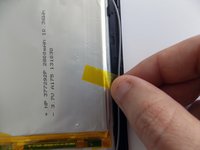
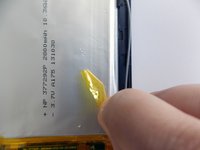
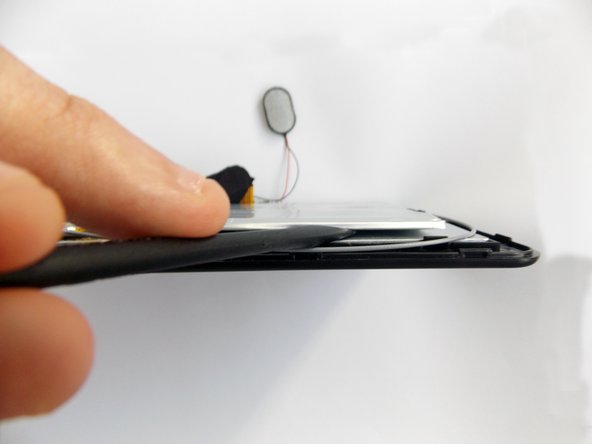
Insert the flat end of the spudger tool in the crack beneath the battery.
-
Move the spudger tool carefully side to side to remove the glue that is holding the battery in place.
-
-
-
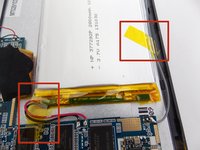
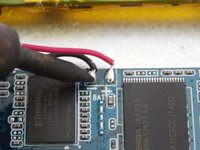
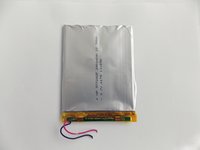
After the battery is unglued, locate the cables that connect it to the motherboard.
-
-
-
Desolder the cables with a soldering iron and use a desoldering braid to remove the solder.
-
-



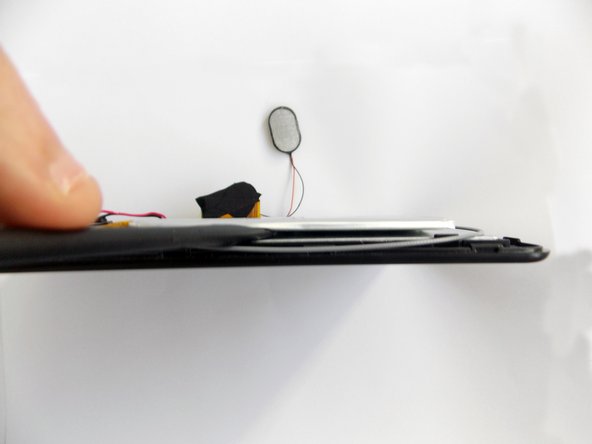


To reassemble your device, follow these instructions in reverse order.
다른 3명이 해당 안내서를 완성하였습니다.

팀

USF Tampa, Team 5-5, Brown Winter 2015 USF Tampa, Team 5-5, Brown Winter 2015 회원
USFT-BROWN-W15S5G5
3 회원들
안내서 11개를 작성함
1가이드 댓글
where do you find that battery? tried searching by the numbers on it and nothing
Scott Tuttle - 답글 공유
