소개
Use this guide to replace a failed battery in the Photive Rain.
필요한 것
-
-
-
Remove the suction cup from its groove by twisting and turning it.
 FixBot에 문의하기
-
-
-
Remove the four 8.5 mm screws from the back panel of the speaker by using the Phillips #1 Screwdriver.
-
Remove back panel
-
-
-
-
-
-
Remove the plastic cover in front of the battery slot.
-
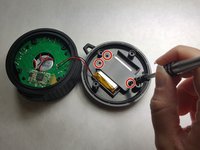
Unscrew all the 8.5mm screws that hold the cover to the slot.
-
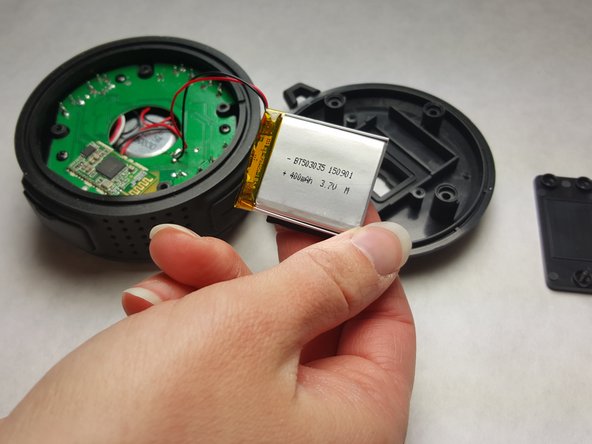
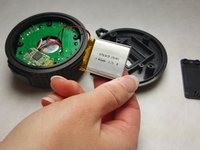
Separate the battery from the back panel as shown in photograph 3.
-
-
-
Remove the battery from the motherboard.
-
Use a soldering pen to remove the solder connecting the battery wires to the motherboard.
-
-



To reassemble your device, follow these instructions in reverse order.
다른 2명이 해당 안내서를 완성하였습니다.

팀

IUPUI, Team 1-4, Harley Spring 2016 IUPUI, Team 1-4, Harley Spring 2016 회원
IUPUI-HARLEY-S16S1G4
3 회원들
안내서 8개를 작성함
