주요 콘텐츠로 건너뛰기
수리 커뮤니티 가입 - 계정 만들기

Porter-Cable PCE211 Fan Replacement

필요한 것

  1. Porter-Cable PCE211 Fan Replacement, Gearcase: 1 단계, 이미지 2개 중 1개 Porter-Cable PCE211 Fan Replacement, Gearcase: 1 단계, 이미지 2개 중 2개
    • Using the Hex Security SAE 7/32", remove the four 10 mm socket screws at the base of the gearcase.

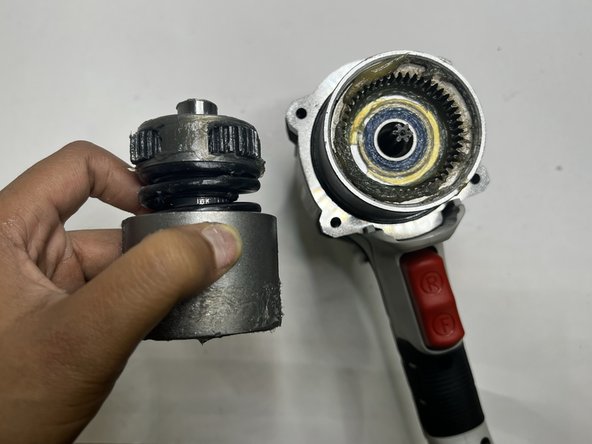
  2. Porter-Cable PCE211 Fan Replacement: 2 단계, 이미지 3개 중 1개 Porter-Cable PCE211 Fan Replacement: 2 단계, 이미지 3개 중 2개 Porter-Cable PCE211 Fan Replacement: 2 단계, 이미지 3개 중 3개
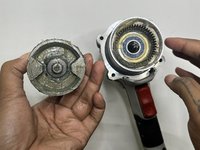
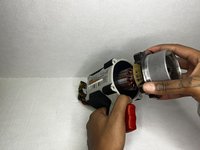
    • Grip the body of the impact wrench with one hand and the gearcase in the other and firmly pull to remove it.

    • Be careful about any loose parts when removing the head.

  3. Porter-Cable PCE211 Fan Replacement, Anvil: 3 단계, 이미지 3개 중 1개 Porter-Cable PCE211 Fan Replacement, Anvil: 3 단계, 이미지 3개 중 2개 Porter-Cable PCE211 Fan Replacement, Anvil: 3 단계, 이미지 3개 중 3개
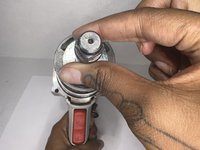
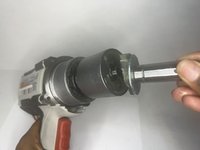
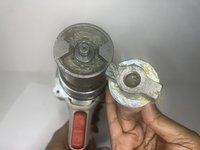
    • Firmly pull the to remove drill bit holder also known as the anvil.

    • Before replacing the anvil, lubricate the base for the best performance.

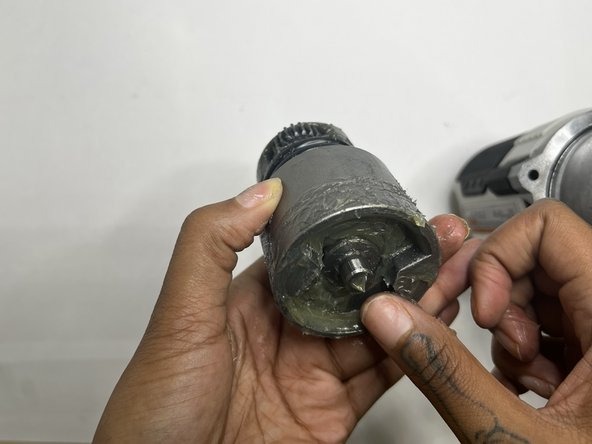
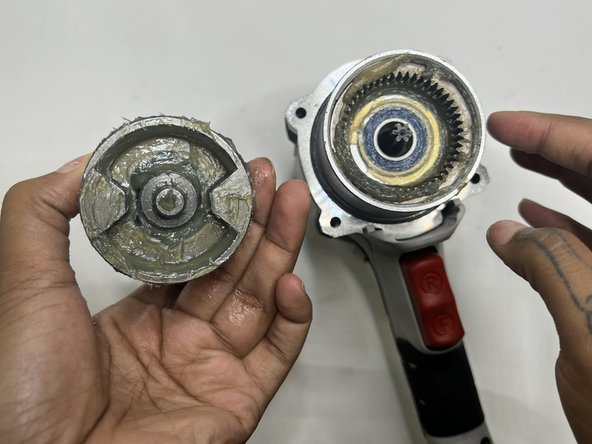
  4. Porter-Cable PCE211 Fan Replacement, Motor: 4 단계, 이미지 3개 중 1개 Porter-Cable PCE211 Fan Replacement, Motor: 4 단계, 이미지 3개 중 2개 Porter-Cable PCE211 Fan Replacement, Motor: 4 단계, 이미지 3개 중 3개
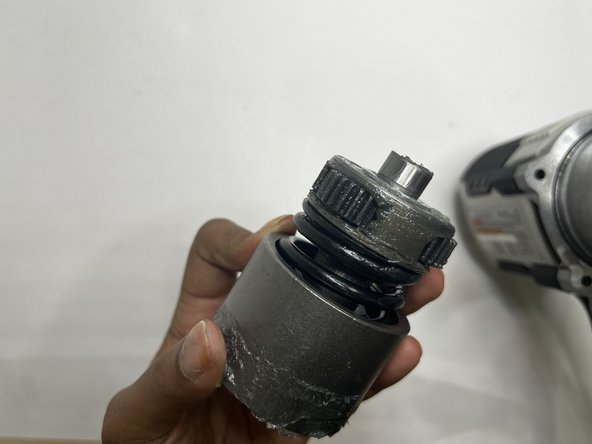
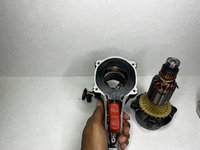
    • This section tends to get messy so it would be best to have a paper towel or microfiber towel handy.

    • Pull the motor out with your hands.

  5. Porter-Cable PCE211 Fan Replacement: 5 단계, 이미지 3개 중 1개 Porter-Cable PCE211 Fan Replacement: 5 단계, 이미지 3개 중 2개 Porter-Cable PCE211 Fan Replacement: 5 단계, 이미지 3개 중 3개
    • Wipe out the old grease with a towel. Use the appropriate motor grease for electric tools to lubricate the top area, base of the motor, and the space the motor sits.

  6. Porter-Cable PCE211 Fan Replacement, Rear Housing: 6 단계, 이미지 2개 중 1개 Porter-Cable PCE211 Fan Replacement, Rear Housing: 6 단계, 이미지 2개 중 2개
    • Remove the four 6 mm screws using a Phillips #2 screwdriver.

    • The screws are tight so you will need to use a bit of arm strength.

  7. Porter-Cable PCE211 Fan Replacement: 7 단계, 이미지 2개 중 1개 Porter-Cable PCE211 Fan Replacement: 7 단계, 이미지 2개 중 2개
    • Pull the rear housing off the back of the impact wrench.

    • Be careful when removing the rear case that loose parts don't get damaged.

  8. Porter-Cable PCE211 Fan Replacement, Grip: 8 단계, 이미지 2개 중 1개 Porter-Cable PCE211 Fan Replacement, Grip: 8 단계, 이미지 2개 중 2개
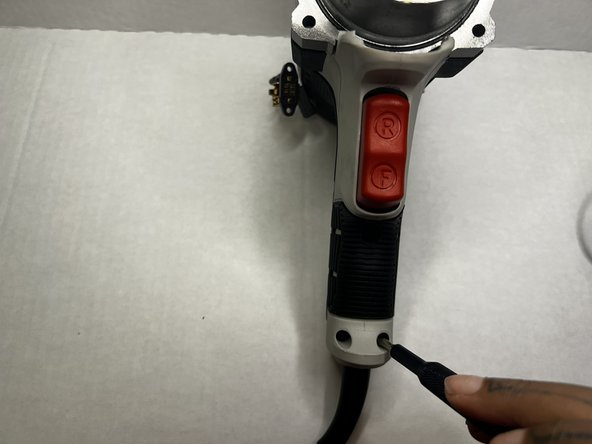
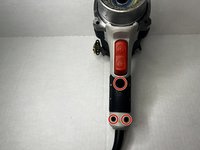
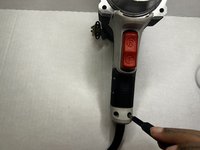
    • Using the Phillips #2 screwdriver, remove the three 8 mm screws from the grip of the impact wrench.

  9. Porter-Cable PCE211 Fan Replacement: 9 단계, 이미지 2개 중 1개 Porter-Cable PCE211 Fan Replacement: 9 단계, 이미지 2개 중 2개
    • Pull the grip from the body of the impact wrench.

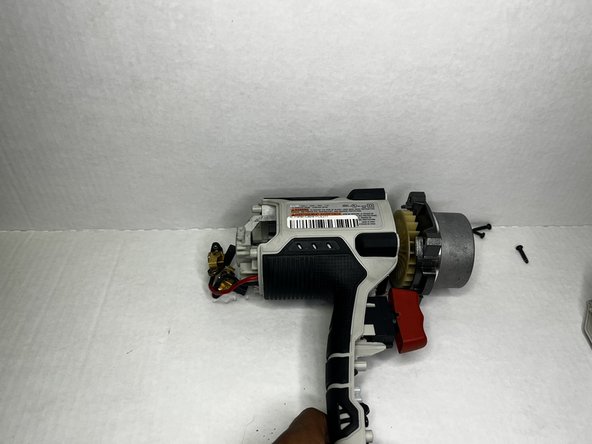
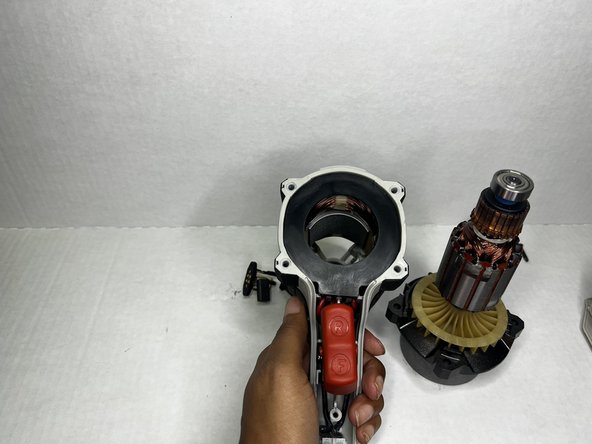
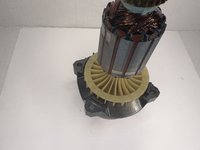
  10. Porter-Cable PCE211 Fan Replacement, Fan: 10 단계, 이미지 2개 중 1개 Porter-Cable PCE211 Fan Replacement, Fan: 10 단계, 이미지 2개 중 2개
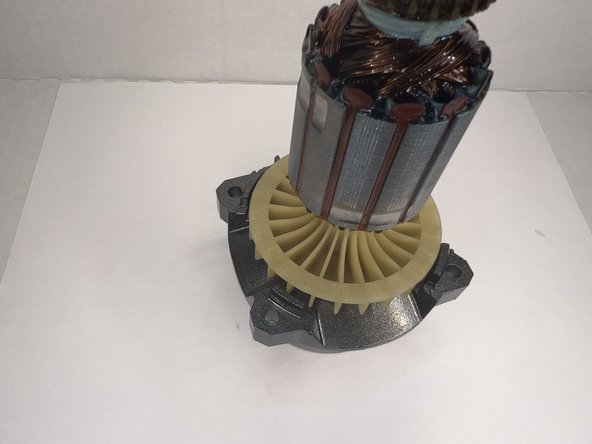
    • Lift the hammer block (which is attached to the fan) out of the case.

    • It is a little heavy so be careful when lifting it out.

  11. Porter-Cable PCE211 Fan Replacement: 11 단계, 이미지 2개 중 1개 Porter-Cable PCE211 Fan Replacement: 11 단계, 이미지 2개 중 2개
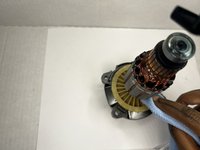
    • If you're doing maintenance and the fan isn't damage, use a microfiber cloth to clean the fan.

    • Wipe well until there's no residue or oil lubricant.

결론

To reassemble your device, follow these instructions in reverse order.

작성자

2다른 기여자 명과 함께

Layla Berry

회원 가입일: 09/19/22

678 평판

안내서 7개를 작성함

0가이드 댓글

댓글 쓰기

조회 통계:

지난 24시간: 2

지난 7일: 6

지난 30일: 17

전체 시간: 243