주요 콘텐츠로 건너뛰기
수리 커뮤니티 가입 - 계정 만들기

ProntoTec Axius Motherboard Replacement

필요한 것

  1. ProntoTec Axius Motherboard Replacement, Motherboard: 1 단계, 이미지 1개 중 1개
    • Make sure the device is completely turned off before you begging taking it apart to avoid electrocution risks.

    • Place the tablet face-up on a flat table.

    댓글 쓰기

  2. ProntoTec Axius Motherboard Replacement: 2 단계, 이미지 1개 중 1개
    • Starting near the headphone port, fit the flat end of the spudger in between the screen and back case.

    • Pry the back case from the screen around each point on the device to release the clips securing the case halves to each other.

    댓글 쓰기

  3. ProntoTec Axius Motherboard Replacement: 3 단계, 이미지 1개 중 1개
    • Gently remove the back case of the device and lay it in a flat surface as shown in the photo.

    • Make sure not to sever the wires (red and black) connected to the speaker that is located in the back case.

    댓글 쓰기

  4. ProntoTec Axius Motherboard Replacement: 4 단계, 이미지 2개 중 1개 ProntoTec Axius Motherboard Replacement: 4 단계, 이미지 2개 중 2개
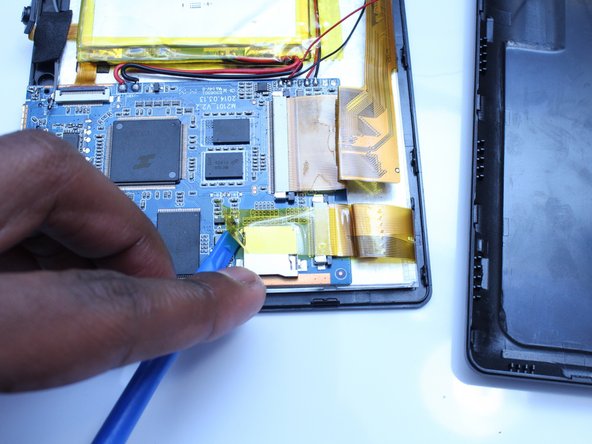
    • Remove only the yellow tape that touches the motherboard

    • Be careful not to cut or damage the wires (red and black) that connect the battery to the motherboard.

    댓글 쓰기

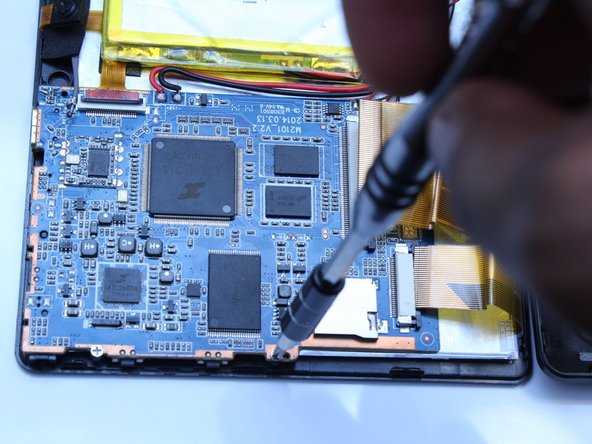
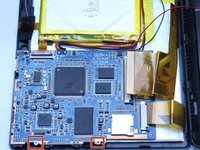
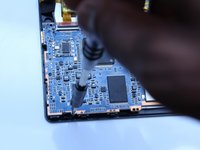
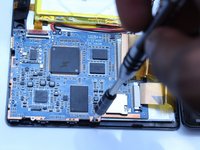
  5. ProntoTec Axius Motherboard Replacement: 5 단계, 이미지 3개 중 1개 ProntoTec Axius Motherboard Replacement: 5 단계, 이미지 3개 중 2개 ProntoTec Axius Motherboard Replacement: 5 단계, 이미지 3개 중 3개
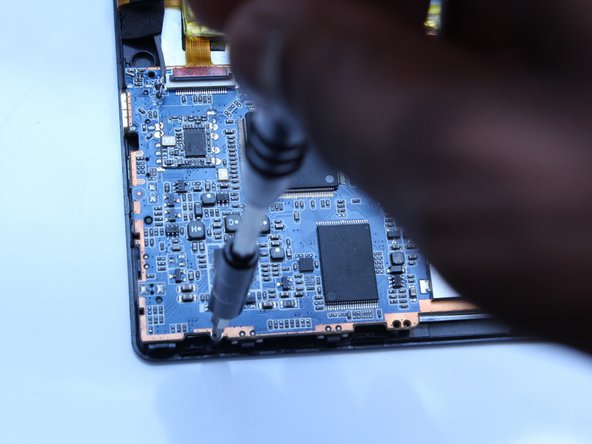
    • Use a Phillips screwdriver (PH00) to unscrew the two screws that connects the motherboard to the device

    • Be careful not to cut or damage the wires (red and black) that connect the motherboard to the battery.

    댓글 쓰기

  6. ProntoTec Axius Motherboard Replacement: 6 단계, 이미지 2개 중 1개 ProntoTec Axius Motherboard Replacement: 6 단계, 이미지 2개 중 2개
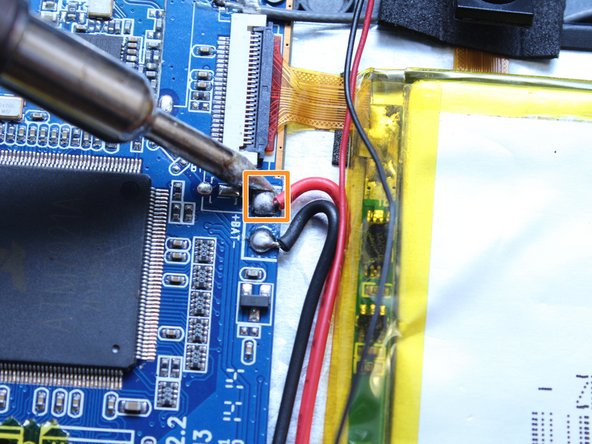
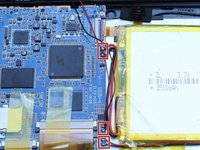
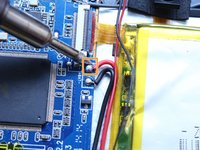
    • Using a soldering iron, desolder the contact points of the speaker, battery and screen on the motherboard

    • If soldering is new to you, check out this helpful guide on soldering and desoldering connections.

    • Use pliers to pull the wire from the board

    댓글 쓰기

  7. ProntoTec Axius Motherboard Replacement: 7 단계, 이미지 2개 중 1개 ProntoTec Axius Motherboard Replacement: 7 단계, 이미지 2개 중 2개
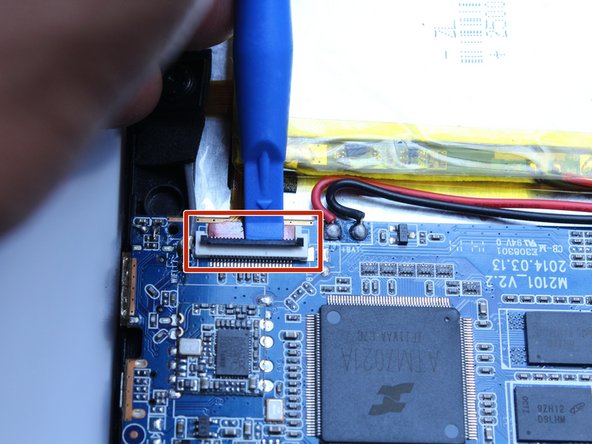
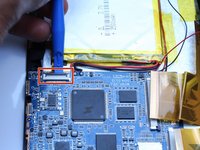
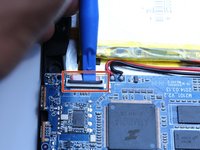
    • Using the spudger, disconnect the ribbon cable connecting the camera to the motherboard

    댓글 쓰기

  8. ProntoTec Axius Motherboard Replacement: 8 단계, 이미지 3개 중 1개 ProntoTec Axius Motherboard Replacement: 8 단계, 이미지 3개 중 2개 ProntoTec Axius Motherboard Replacement: 8 단계, 이미지 3개 중 3개
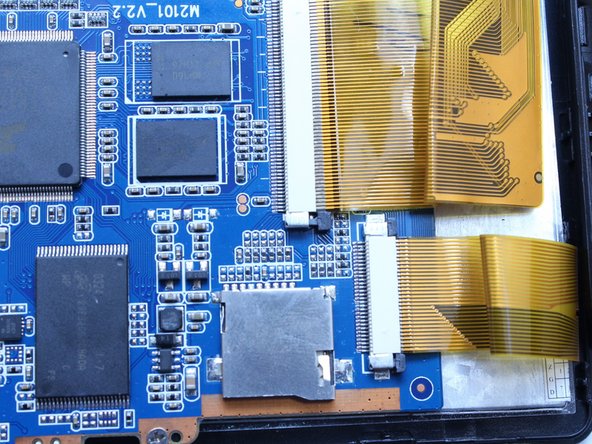
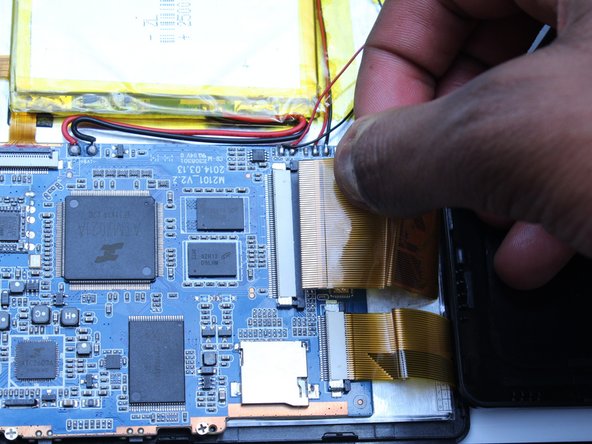
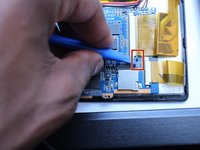
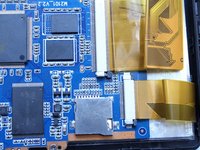
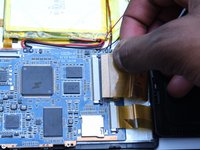
    • Using the spudger, push the black tabs towards the ribbon cable to unlock the ribbon cables that connect the screen to the motherboard.

    • Gently pull and remove the ribbon cables from the motherboard

    댓글 쓰기

  9. ProntoTec Axius Motherboard Replacement: 9 단계, 이미지 2개 중 1개 ProntoTec Axius Motherboard Replacement: 9 단계, 이미지 2개 중 2개
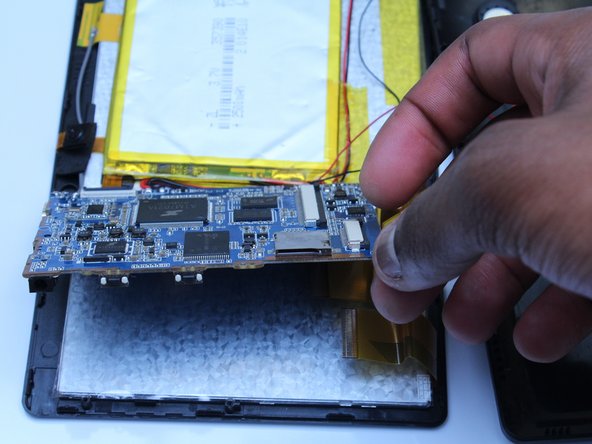
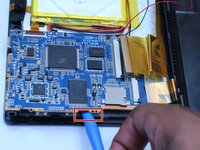
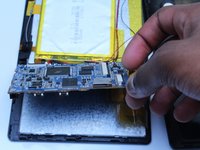
    • Using the flat side of the spudger, lift up the mother board to disconnect from the screen.

    댓글 쓰기

결론

To reassemble your device, follow these instructions in reverse order.

취소: 해당 안내서를 완성하지 않았습니다.

다른 한 분이 해당 안내서를 완성하였습니다.

작성자

4다른 기여자 명과 함께

Estelle Hatem

회원 가입일: 10/20/16

156 평판

안내서 1개를 작성함

UMass Dartmouth, Team 5-3, Martin Fall 2016 UMass Dartmouth, Team 5-3, Martin Fall 2016 회원

UMASSD-MARTIN-F16S5G3

3 회원들

안내서 10개를 작성함

0가이드 댓글

댓글 쓰기

조회 통계:

지난 24시간: 2

지난 7일: 5

지난 30일: 34

전체 시간: 591