소개
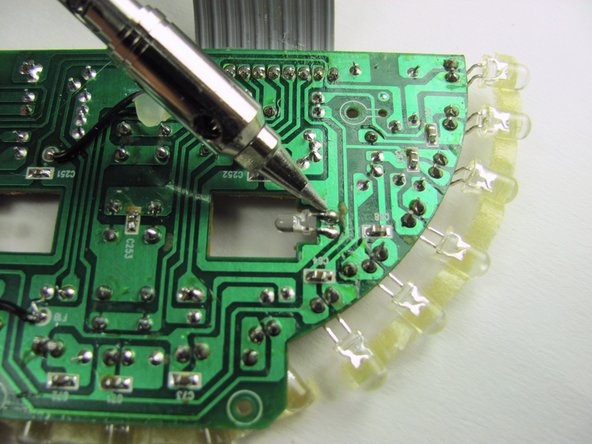
This guide will show you how to replace the LED lights inside the device. There is soldering required, so if you need assistant please read this soldering technique page.
필요한 것
-
-
-
Gently position the device so that the buttons and speakers lie face down.
-
Unplug the power cord from the "DC Input."
 FixBot에 문의하기
-
-
-
Remove the four 12mm phillips head #2 screws located along the outer edge of the white case.
-
Once you remove the screws, pick the device up so that the grey label on the bottom of the device faces toward you.
-
With your thumbs on either side of the grey label, slowly push with both thumbs until the case pops open.
-
-
-
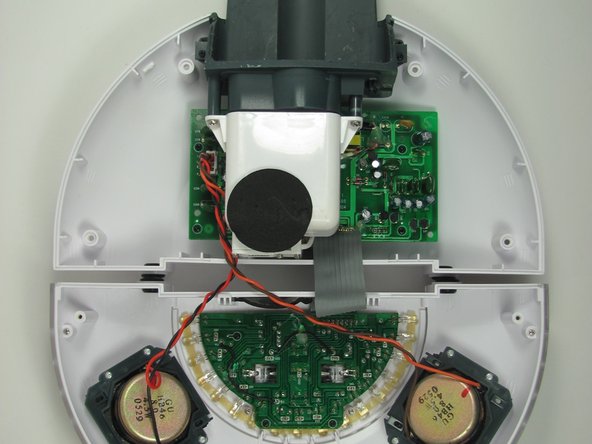
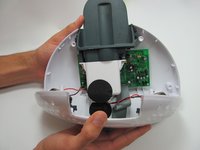
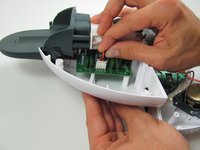
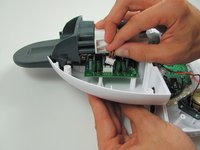
Grip both sides of the top round part of the case and carefully open it like a clam. The bottom of the two halves are connected by the speaker wire. Do not separate by more than 1 centimeter.
-
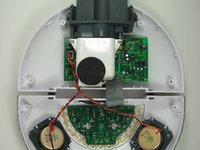
Grip either side of the top round part of the case and carefully open the device to reveal all the hidden treasures inside!
-
Lay the device down, so that all the internal components are facing upwards.
-
-
-
-
-
-
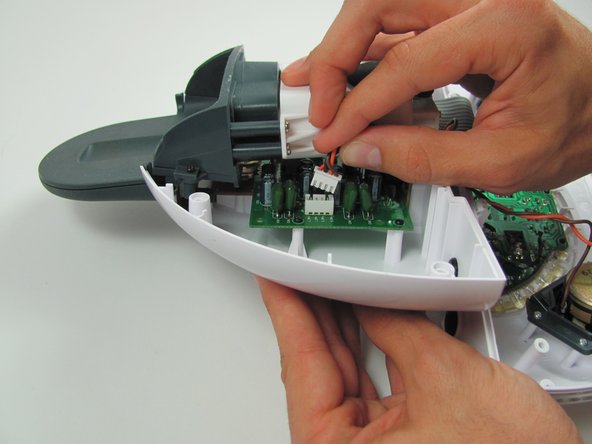
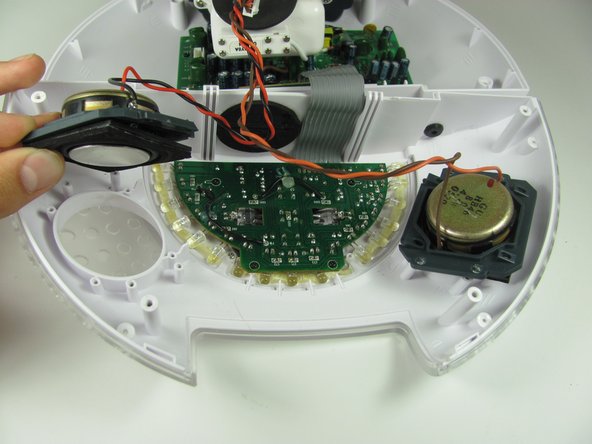
Disconnect the speaker wire from the motherboard by firmly griping the black and red wires close to the connection with two fingers and pulling the connector out.
-
-
-
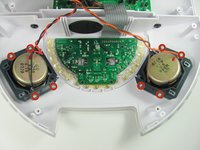
Remove the eight 11mm Phillips #1 screws that connect the speakers to the white outer case.
-
-
-
-
-
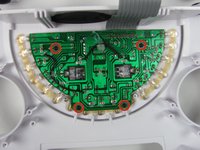
Remove the four 7mm Phillips #1 screws on the circuit board with the LED lights.
-
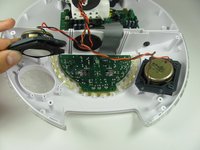
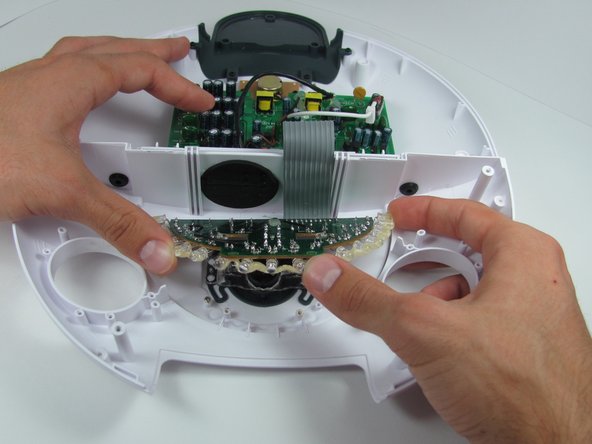
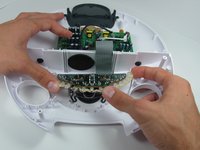
Slowly lift the circuit board out of the front cover and place the cover out of the way.
-
-






To reassemble your device, follow these instructions in reverse order.

팀

Cal Poly, Team 11-33, Amido Fall 2013 Cal Poly, Team 11-33, Amido Fall 2013 회원
CPSU-AMIDO-F13S11G33
4 회원들
안내서 54개를 작성함
