소개
You can use this guide to replace the disk drive in the Sony BDP S3500. It is a fairly easy process and won’t require many tools or a lot of prior experience.
Be sure to review the troubleshooting guide, as most of the time the problems are due to malfunctioning software rather than it being a hardware issue.
This guide will show you how to safely disassemble the device by removing the required parts and connections so that the disk drive can be replaced without damaging any of the other components.
필요한 것
-
-
-
Use the Phillips #2 screwdriver to remove the two 9mm screws located on the back of the device.
 FixBot에 문의하기
-
-
-
Slide the top panel off towards the back of the device.
-
Remove the top panel.
-
-
-
-
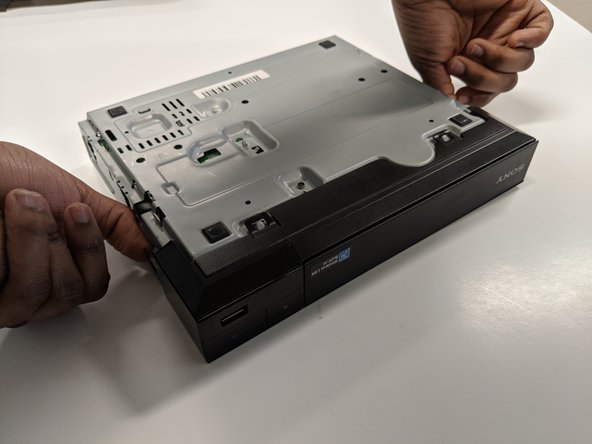
Unclip the plastic tags from the bottom of the device.
-
Unclip the plastic tags from the sides of the device.
-
Slide the front panel off.
-
-
-
-
-
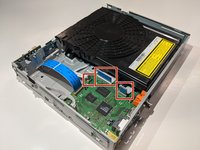
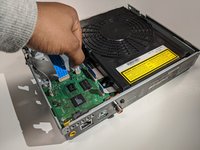
Remove the three ribbon cables by gently pulling the cables out of each connector.
-
-
-
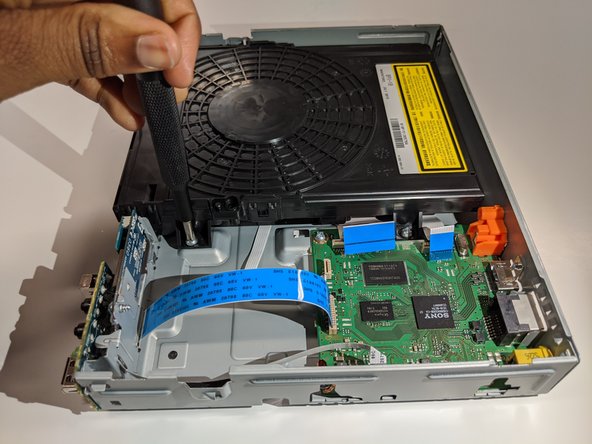
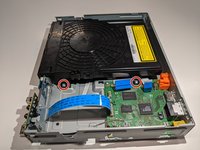
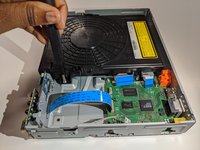
Use a Phillips #2 screwdriver to remove the two 9mm screws that are holding the disk drive in place.
-
-







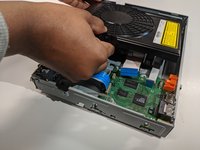
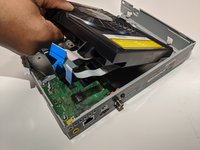
To reassemble your device, follow these instructions in reverse order.

팀

York University, Team S8-G4, Turner Winter 2020 York University, Team S8-G4, Turner Winter 2020 회원
YORK-TURNER-W20S8G4
4 회원들
안내서 15개를 작성함
