소개
Is the sound not audible and/or distorted? This guide may help in finding a solution to fix the problem.
필요한 것
-
-
-
To remove the battery door, loosen the screw using a Flathead screwdriver.
 FixBot에 문의하기
-
-
-
-
Remove the six 9.5 mm Phillips #2 screws.
-
Remove the six 6.0 mm Phillips #2 screws.
-
-
-
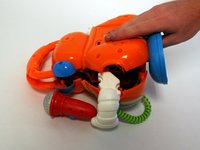
Gently pull up on the rear panel.
-
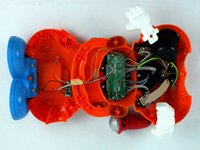
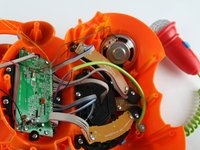
Carefully place the back panel underneath the top panel with the tops facing each other, as shown in the picture.
-
-
-
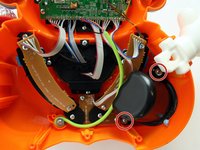
Remove two 7.9 mm Phillips #1 screws on the speaker cover.
-
After removing the screws, remove the black plastic speaker cover to expose the speaker.
-
-
-
Desolder the speaker at the solder points to remove.
-
Learn more about soldering and desoldering connections here.
-
-


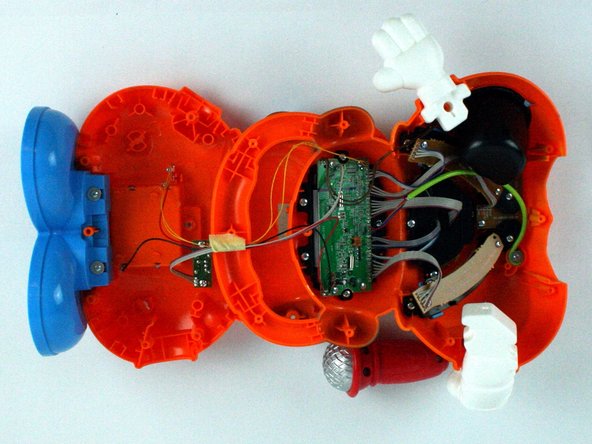



To reassemble your device, follow these instructions in reverse order.

팀

USF Tampa, Team 7-2, Cheng Spring 2016 USF Tampa, Team 7-2, Cheng Spring 2016 회원
USFT-CHENG-S16S7G2
4 회원들
안내서 40개를 작성함
