소개
Follow these steps for a quick screen replacement on bObi Pet, or see this video guide: https://www.youtube.com/watch?v=EY-MMWtO...
필요한 것
-
-
-
Before we get started, turn bObi Pet OFF and flip her over onto a flat surface.
-
Next, remove bObi Pet's dustbin. Grip the small tab on the back of the bin, and pull to remove.
 FixBot에 문의하기
-
-
-
Grip the front wheel and pull straight up, using the screwdriver for leverage.
-
The wheel will pop out and you will see two screws beneath it.
-
There is a larger screw set deeper in the wheel compartment. Use the screwdriver to remove it.
-
-
-
Remove the screws on both sides of bObi Pet’s dustbin. Then, remove the corner pieces that were held down by the screws.
-
Grip the brush compartment and pull down to reveal two screws on a red fastener.
-
Remove them with the screwdriver.
-
-
-
-
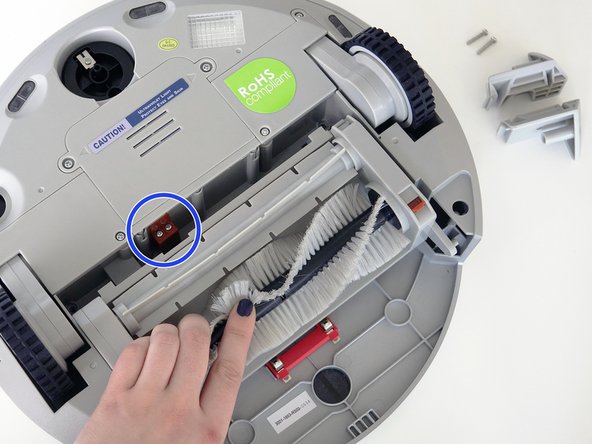
Pull the brush compartment up until the fastener is freed from bObi Pet. Then, detach the brush compartment's circuit plug and set it aside.
-
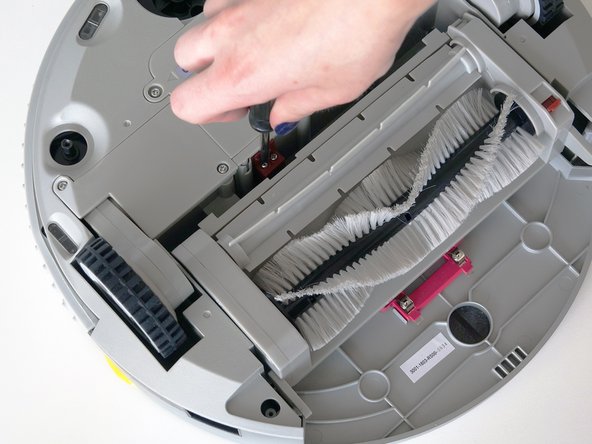
Remove the 4 screws located beneath the brush compartment.
-
-
-
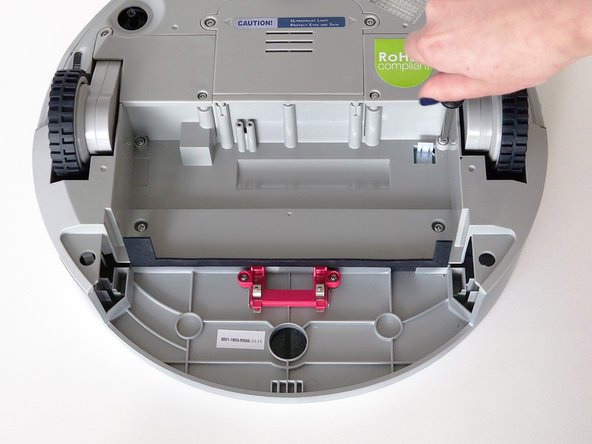
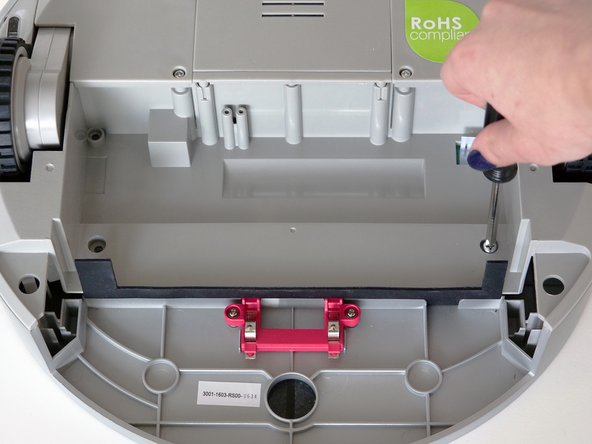
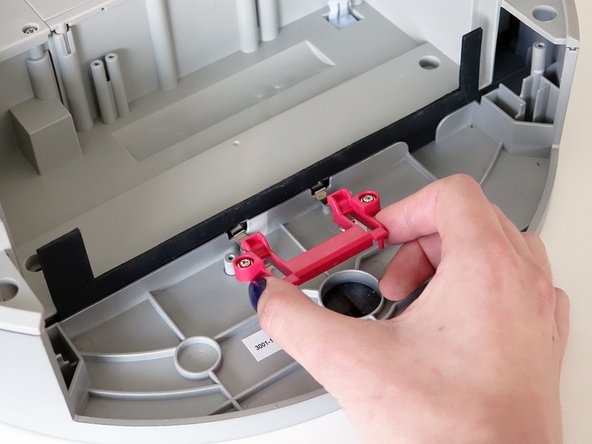
Remove the 2 screws on the dustbin’s red fastener.
-
Remove the fastener and set it aside for reassembly.
-
The cover is no longer secured, so carefully flip bObi Pet onto her wheels.
-
-
-
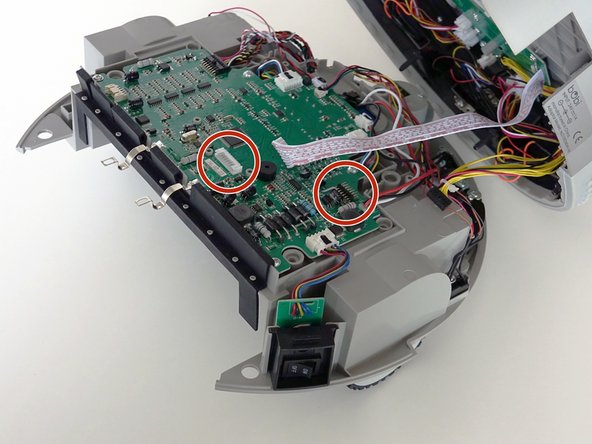
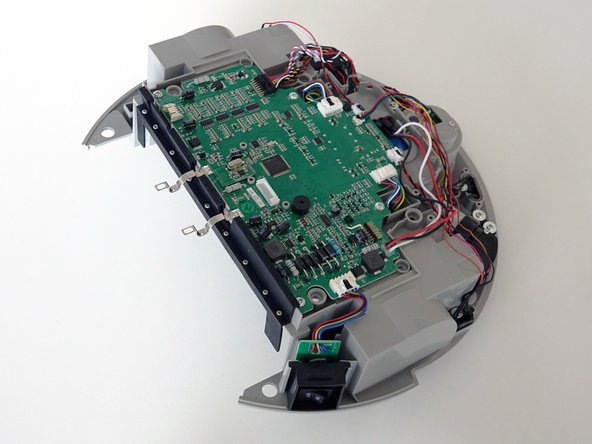
Lift the cover to reveal the main board underneath.
-
Remove the two circuit plugs connecting the lid to the mainboard.
-
bObi Pet's cover is entirely separated, and you may now access any of her internal parts for replacement.
-
-
-
-
-
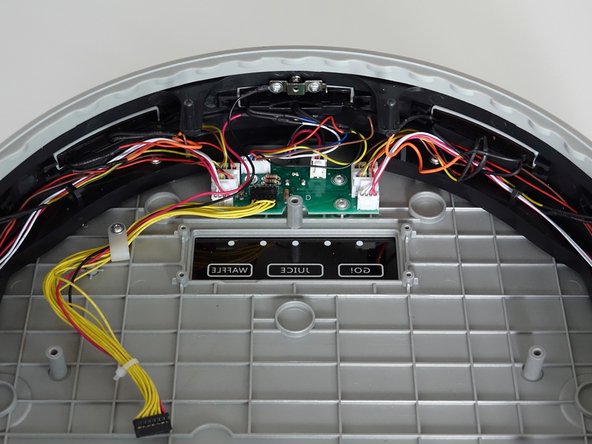
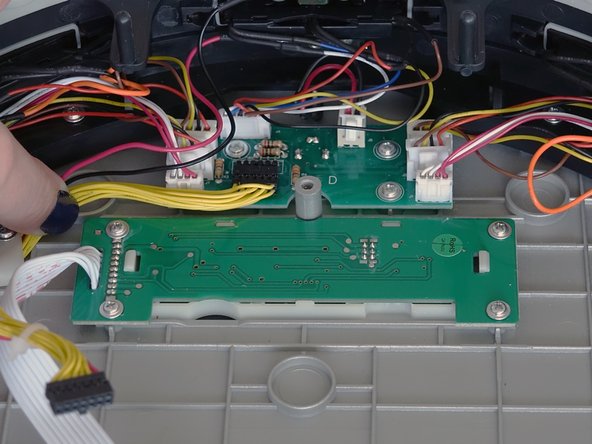
Remove the four screws holding bObi Pet's screen.
-
Then, lift it straight up and out to make space for the replacement.
-
-
-
Lay the new screen in the open space on bObi Pet's lid.
-
Align the screw holes on the screen with the screw posts in bObi Pet and push down until it lies flat.
-
Install all four screws, and you'll be ready to close bObi Pet. See the following instructions: Assemble bObi Pet Post-Repair
-
-














To reassemble bObi Pet, see this tutorial: Assemble bObi Pet Post-Repair

