소개
Use this guide to remove or replace a cracked or broken back glass on your iPhone 15 Pro Max.
You'll need replacement back glass adhesive to complete this repair.
필요한 것
-
-
-
Unplug any cables from your phone.
-
Hold the power and either volume buttons and slide to power off your phone.
 FixBot에 문의하기
-
-
-
If your screen or back glass is badly cracked, lay overlapping strips of packing tape over the glass to protect yourself and make disassembly easier.
-
-
-
-
-
Measure 3 mm from the tip and mark the opening pick with a permanent marker.
-
-
-
-
-
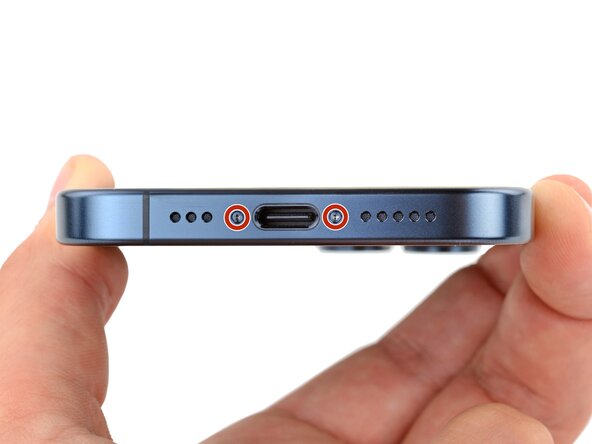
Use a P2 pentalobe driver to remove the two 7.2 mm-long screws on either side of the charging port.
-
-
-
-
-
Use a hair dryer or heat gun to heat the bottom edge of the back glass until it's hot to the touch.
-
-
-
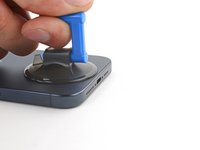
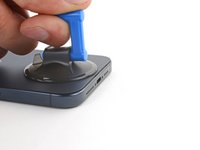
Apply a suction handle to the bottom edge of the back glass.
-
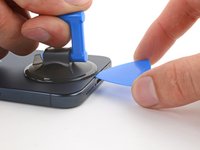
Pull up on the handle with a strong, steady force to create a gap between the back glass and the frame.
-
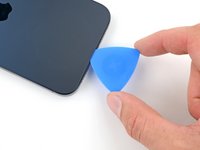
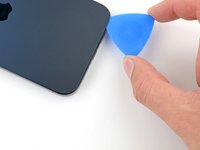
Insert the tip of an opening pick into the gap.
-
-
-
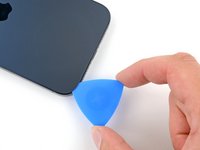
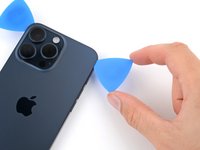
Slide your pick back and forth along the bottom edge to separate the adhesive.
-
Leave your pick inserted in the bottom left corner to prevent the adhesive from re-sealing.
-
-
-
Heat the left edge of the back glass until it's hot to the touch.
-
-
-
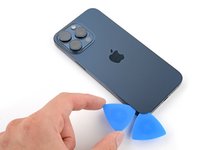
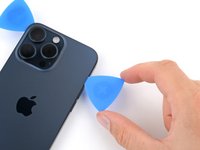
Insert a second opening pick to the left of the first one.
-
Slide this pick to the top left corner of the back glass to separate the left edge adhesive.
-
Leave this pick inserted to prevent the adhesive from resealing.
-
-
-
Heat the top edge of the back glass until it's hot to the touch.
-
-
-
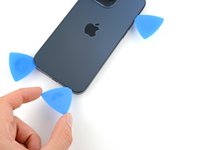
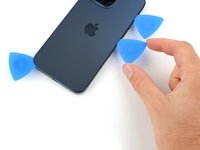
Insert a third opening pick in the top left corner of the back glass.
-
Slide your pick to the top right corner to separate the top edge adhesive.
-
-
-
Rotate your pick around the top right corner of the back glass.
-
Slide your pick to the volume up button.
-
Leave this pick in place to prevent the adhesive from resealing.
-
-
-
Heat the right edge of the back glass until it's hot to the touch.
-
-
-
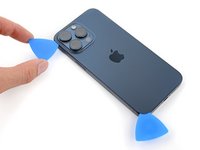
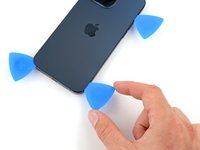
Insert a fourth opening pick at the bottom edge of the back glass.
-
Rotate your pick around the bottom right corner of the back glass.
-
Slide your pick to the volume down button.
-
-
-
-
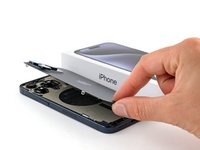
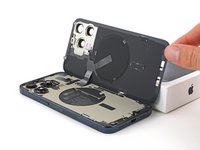
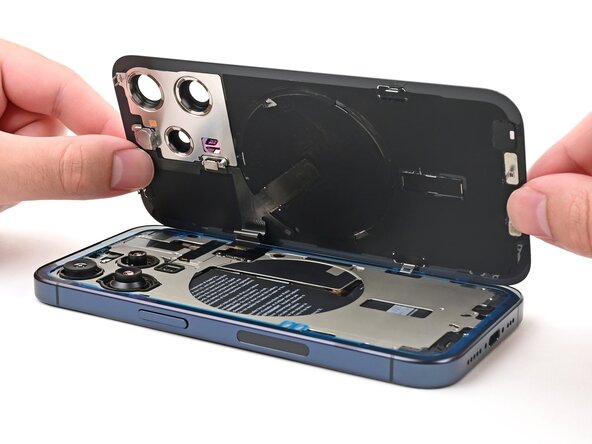
Gently swing open the back glass over the right edge of the phone.
-
Rest the back glass against a box or similar object so it doesn't strain the cable.
-
-
이 단계에 사용된 도구:Tweezers$4.99
-
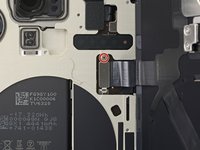
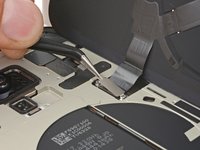
Use a tri-point Y000 driver to remove the 1.0 mm‑long screw securing the wireless charging connector cover.
-
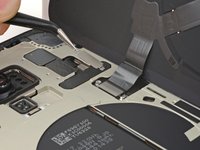
Use tweezers to slide the cover out of its slot on the logic board and remove it.
-
-
-
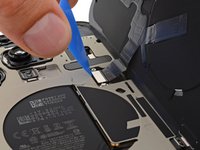
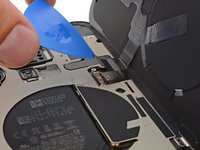
Use the tip of an opening pick to pry up and disconnect the wireless charging coil press connector.
-
-
-
-
-
Congratulations on completing disassembly! The remaining steps show how to reassemble the iPhone.
-
-
-
-
-
Use the point of a spudger to ball up a larger section of adhesive and remove it from the frame.
-
Repeat this process until all the larger strips of adhesive are removed.
-
-
이 단계에 사용된 도구:iFixit Adhesive Remover$19.99
-
Apply a few drops of adhesive remover or high-concentration (90% or higher) isopropyl alcohol to a cotton swab or coffee filter.
-
Wipe the residual adhesive off the frame.
-
-
이 단계에 사용된 도구:iFixit Adhesive Remover$19.99
-
Apply a few drops of adhesive remover or high-concentration (90% or higher) isopropyl alcohol to a clean lint‑free cloth or coffee filter and wipe all residual adhesive off the frame to prep the surface for the new adhesive.
-
-
-
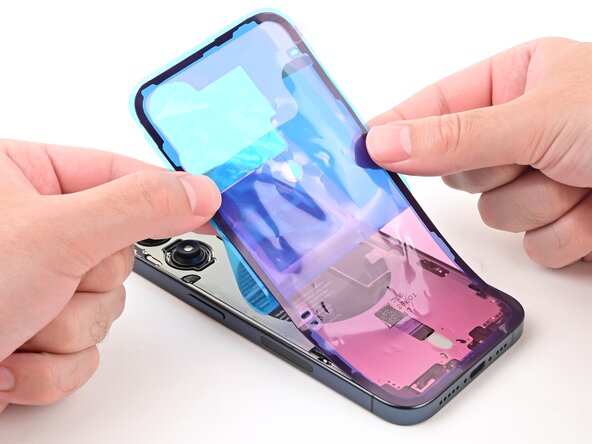
Without peeling any liners, lay the adhesive sheet over the frame to determine its orientation.
-
-
-
Grab the large tab in the bottom corner of the adhesive sheet and begin peeling off the liner that exposes the side that sticks to the frame. Don't remove it all the way.
-
-
-
While holding the back liner out of the way, carefully align the exposed edge of the adhesive to the bottom edge of the iPhone's frame.
-
When the adhesive is aligned, set it down along the bottom edge.
-
-
-
Use the flat end of a spudger to press the adhesive into place along the bottom edge.
-
-
-
Continue peeling the back liner off of the adhesive and setting the adhesive into place along the edges of the iPhone's frame.
-
-
-
Use the flat end of a spudger to press the adhesive into place all around the iPhone.
-
-
-
Lift the pull tab in the top‑right corner of the frame to peel off the top liner and remove it.
-
-
-
Once the top liner is removed, there should be three narrow liners on top of the adhesive with pull tabs near the bottom edge.
-
If you don't see these pull tabs, you may have accidentally removed the thin liners in the previous step. Be careful not to touch anything to the exposed adhesive.
-
-
-
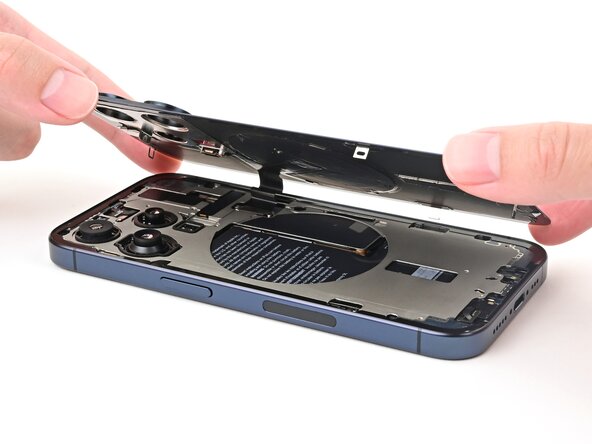
Set the back glass on the right edge of the iPhone frame and use one hand to hold it in place.
-
-
-
Use the flat end of a spudger or your finger to connect the back glass press connector.
-
-
-
Use tweezers to slide the tab on the wireless charging connector cover into its slot on the board and set it into place.
-
Use a tri-point Y000 driver to install the 1.0 mm‑long screw securing the wireless charging connector cover.
-
-
-
Hold the back glass over the phone so you can access the narrow liner covering the adhesive on the right edge of the frame.
-
Use tweezers to remove the narrow liner on the right edge.
-
-
-
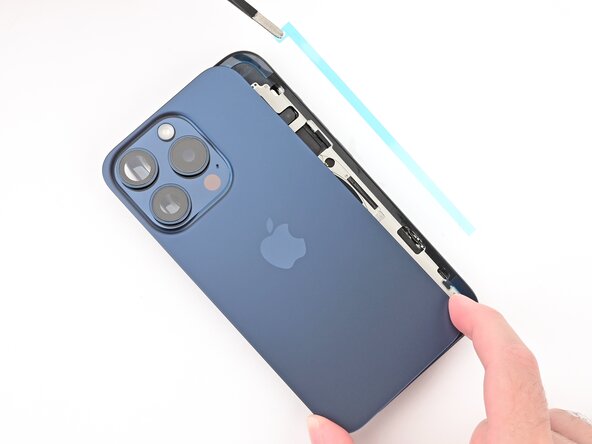
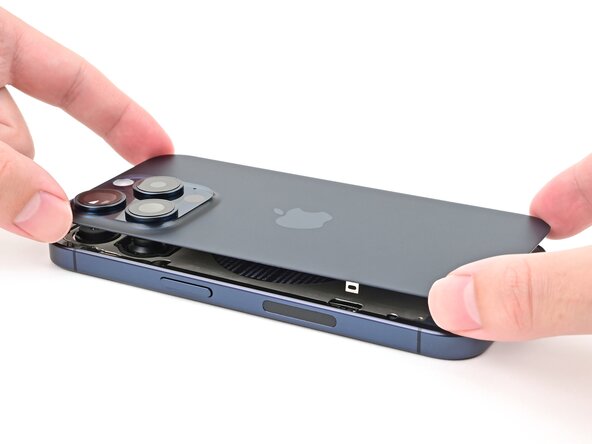
Align the back glass over the frame and press it into place.
-
-
-
Firmly press along the edges of the phone to compress the adhesive and engage the clips.
-
-
-
Use a P2 pentalobe screwdriver to install the two 7 mm‑long screws on either side of the charging port.
-
-
-
To help the adhesive bond, apply heat to the edges of the back glass using a hair dryer or heat gun until it's hot to the touch.
-
-
-
-
-
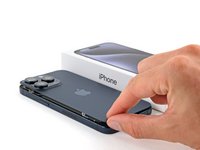
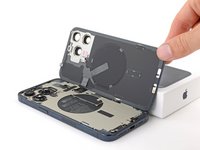
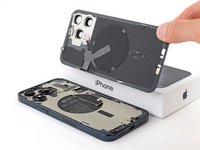
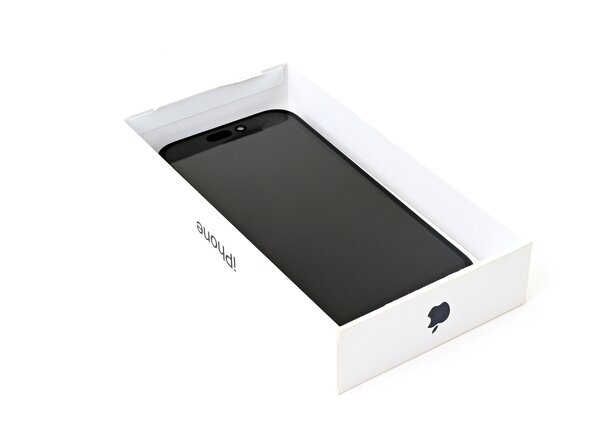
If you have the iPhone's original box, take the lid and place it on a flat surface.
-
If you don't have the original box, skip this step for an alternate method.
-
Place the iPhone screen-side-up in the lid of the box with the camera bump in its recess.
-
Find something close to the size of the iPhone, but taller than the sides of the box. Stack it on top of the iPhone, followed by a few heavy objects.
-
Leave the objects in place for at least thirty minutes, ideally overnight.
-
-
-
Place the iPhone screen-side-down on a soft, flat surface.
-
Apply tape to the back glass to protect its finish.
-
Place three layers of coins or similarly thick objects on the tape along the edges of the back glass.
-
Evenly distribute the coins and make sure they are at least as thick as the camera bump.
-
-
-
Stack multiple books or other heavy objects on your iPhone.
-
Leave the objects in place for at least thirty minutes, ideally overnight.
-
-








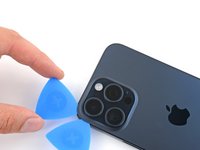
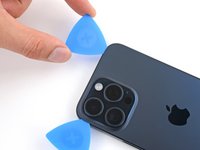
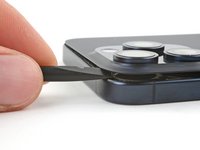


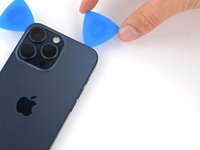
























Congratulations on finishing the repair!
If you have trouble with wireless charging, try running Apple’s Repair Assistant.
Update your device, navigate to Settings → General →About → Parts & Service History, tap Restart & Finish Repair, and follow the onscreen prompts.
Take your e-waste to an R2 or e-Stewards certified recycler.
Repair didn’t go as planned? Try some basic troubleshooting, or ask our Answers community for help.
다른 47명이 해당 안내서를 완성하였습니다.

팀

5가이드 댓글
Great instructions, but where do we get a new replacement back glass from? Please suggest.
Apple's OEM parts are available through SelfServiceRepair.com, including the back glass for this iPhone. None of the aftermarket stores I'd generally recommend carry this part, but it looks like there's quite a few options on marketplace sites. The best advice I can give there is to look at seller reviews, and when possible, feedback for that specific part. Best of luck!
Nick Schultz - 답글 공유
怎么在不更换无线充线圈的情况下更换后壳
menglei Ren - 답글 공유
