

내 문제
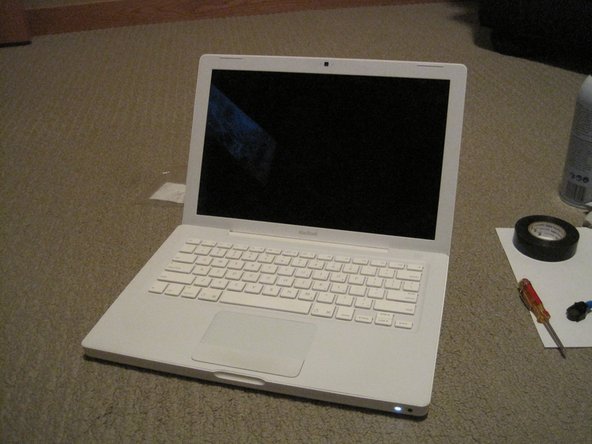
For the last 6 months the fan in my macbook had been getting progressively worse until it finally began sounding like a 747 taking off in my lap every time I tried to watch a video. It was pretty obvious that the fan was creating the noise so I checked out the ifixit repair guide a few months ago and tried lubing the fan up with sewing machine oil. Unfortunately this didn't work, believe me I tried it three or four times, so I decided to just order a new fan.
나의 수리
The actual repair itself was really easy and I swapped the fan out in under half an hour! To see if the godawful fan noise would go away, I booted up my computer and revved up the fan to just over 6000 rpm. I'm happy to say that this fan was quiet as a mouse (I can barely believe my computer is running) and I could hear a faint whoosh sound when I maxed out my fan speed.
내 조언
Try using neoprene gloves when you're repairing your computer (they're cheap, electrically insulating, and make you feel like a TSA officer), a pocket knife (instead of a spudger), and a little magnet (like from a refrigerator) if you don't have a magnetic screwdriver. It's also helpful to lay your screws out chronologically on some printing paper so you don't lose anything or mix the screws up.


댓글 0개