
 1
1 Removing repeater function when reset button is not working
Hi,
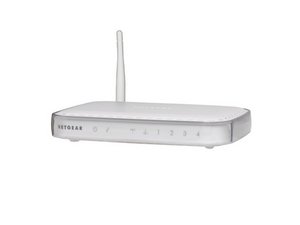
I've a Netgear WGR614v9 which I tried using as a repeater and thus set it up with another router. But it did not work. I want to reset the router now, but it does not provide any IP to my computer even when the main router is switched off. The reset button malfunctioned few months back and its not working.
Can you please let me know how to reset the netgear WGR 614v9 manually without reset button?
좋은 질문입니까?
점수
1

 1.1k
1.1k  2.6k
2.6k 

댓글 4개
Hi, Have you tried logging into the router by directly connecting an Ethernet cable from the router to the PC, opening a browser page and typing 192.168.1.1 in the address bar?
jayeff 의
Hi Jayeff,
Yes, I've tried logging into the router by directly connecting an Ethernet cable from the router to the PC, but this is not working as DHCP has been disabled due to repeater function requirements and thus, no IP is assigned to PC.
I'll try opening the router today and then resetting it through its circuits near the Reset Button. Hopefully, this may work.
Thanks,
Parminder
Parminder Singh 의
how did you solve this problem? i am stuck on the same thing.. and not getting any help anywhere
Prateek Arora 의
Prateek, you need to start your own question, this is 2 years old...
pollytintop 의