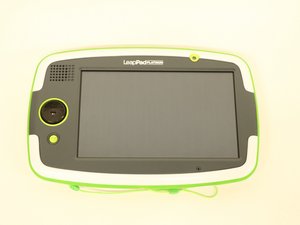

How do I replace the charging port?
How do I replace the charging port? My child unplugged it incorrectly too many times. Now it doesn't work.
좋은 질문입니까?
점수
0
How do I replace the charging port? My child unplugged it incorrectly too many times. Now it doesn't work.
좋은 질문입니까?
평판: 550.4k
 11
11
 425
425
 1.6k
1.6k
Hi,
The USB charge port has probably come loose off the motherboard or is damaged in some way. Since it is a SMD (Surface Mounted Device) type USB connector, you will need the requisite SMD soldering skills and tools to either solder the old connector back onto the board or to un-solder the old connector and then solder a replacement connector onto the board if the old connector is found to be faulty.
This is not a job for novices. You can cause more problems than what you had before you started if you don't know what you are doing.
Here is an image taken from the Ifixit repair guide for the motherboard replacement of the tablet, showing the location of the USB port (red arrow) on the motherboard.

(click on image to enlarge for better viewing).
I recommend that you contact a reputable, professional mobile phone repair service or an electronics repair service and ask for a quote to repair the tablet.
이 답변이 도움이 되었나요?
지난 24시간: 0
지난 7일: 4
지난 30일: 14
전체 시간: 7,951

