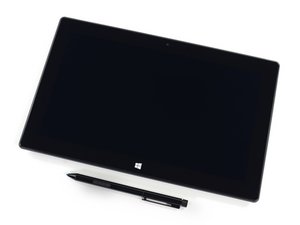

How do I reformat surface pro 2?
I have surface pro 2, 128GB, windows 10 updated...can I reformat and still retain its windows 10? How? Thank you...
좋은 질문입니까?
점수
0
I have surface pro 2, 128GB, windows 10 updated...can I reformat and still retain its windows 10? How? Thank you...
좋은 질문입니까?
평판: 22.6k
 31
31
 63
63
 42
42
Yes, you can. Not a literal format though unless you want to re-install windows.
To reset the machine to factory defaults:
Hope this helps!
이 답변이 도움이 되었나요?
평판: 75.8k
19
112
83
You can also do a full format and fresh installation, make a Windows 10 boot drive and boot from it, it should allow you to fully format the drive.
이 답변이 도움이 되었나요?
지난 24시간: 1
지난 7일: 4
지난 30일: 26
전체 시간: 614



댓글 2개
https://support.microsoft.com/en-us/help...
Oscar 의
This question was migrated from https://meta.ifixit.com/Answers.
iRobot 의