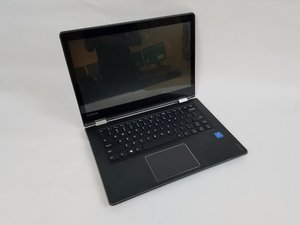

Can I replace my audio
I recently dropped my flex4-1470 and now my audio is not working and neither is the headphone jack. How can I replace it? What parts do I need if I do?
좋은 질문입니까?
점수
0
I recently dropped my flex4-1470 and now my audio is not working and neither is the headphone jack. How can I replace it? What parts do I need if I do?
좋은 질문입니까?
평판: 552.3k
 11
11
 425
425
 1.6k
1.6k
Hi,
Here’s a link to the service manual for your IdeaPad.
It details the necessary pre-requisite steps and then the procedures to dis-assemble the laptop to remove the relevant faulty parts. (if any).
Scroll down to p.65 to view an exploded view of all the parts followed by the parts list.
If you need a new part, simply find the appropriate part number from the list and search online using the part number only in your browser’s search box to find suppliers of the parts.
Here is a link to the ifixit Lenovo IdeaPad Flex 4-1470 guide which may also be of some help.
이 답변이 도움이 되었나요?
평판: 48.9k
7
66
97
Theres no need to disassemble your laptop.
Use a USB audio adapter.
이 답변이 도움이 되었나요?
평판: 1.9k
6
5
1
You need to open the device and see what is broken. Some devices, such as the Surface, are not very repairable - if you try, you risk destroying the device in the process. I suggest you look through these posts, to see how difficult it is to teardown and repair your Ideapad:
이 답변이 도움이 되었나요?
지난 24시간: 0
지난 7일: 2
지난 30일: 15
전체 시간: 443



