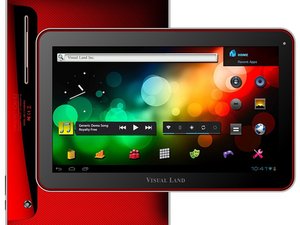

Not taking touch screen directions
my screen won’t accept finger or stylist directions, the problem is intermittent.
좋은 질문입니까?
점수
0
my screen won’t accept finger or stylist directions, the problem is intermittent.
좋은 질문입니까?
평판: 552.5k
 11
11
 426
426
 1.6k
1.6k
Hi,
Don’t know your tablet but check if there is a setting called Touch and Hold delay (or similar) in the Settings area of the tablet, to see if altering the adjustment setting resolves the problem. On a lot of tablets it is located in Settings > Accessibility or perhaps Settings > Language and Input
It may also be that the digitizer (touchscreen) flex cable connection is loose or that the touchscreen is starting to fail and needs to be replaced.
Here’s a link to the ifixit Visual Land Prestige 10 디지타이저 교체 guide, which may be of some help as it shows how to access the digitizer so that you can check the connection and if necessary, if you wish to replace the digitizer.
Replacement digitizers are available online. Just search for Visual Land Prestige 10 digitizer, to get results for suppliers of the part.
이 답변이 도움이 되었나요?
지난 24시간: 0
지난 7일: 0
지난 30일: 12
전체 시간: 287

