
주요 콘텐츠로 건너뛰기
수리 커뮤니티 가입 - 계정 만들기

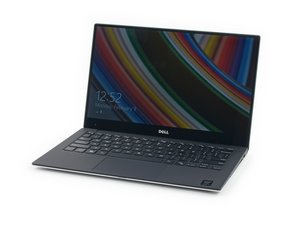
Device and repair information for the Dell XPS 13 laptop models 9343 and 9350, which were both released in 2015.

No Display, Black Screen

I dropped my phone on the keyboard of my laptop and the screen went black.

My laptop failed the built in LCD screen test. I did the FN test and I gotten 3 beeps. I looked at the wires after opening the laptop up but I don't know how to check behind the LCD screen itself.

The external monitor works and I did a system diagnostic test but it said 0 issues found. Any ideas what I could do?

이 질문에 답하기 저도 같은 문제가 있습니다

좋은 질문입니까?

점수 0
댓글 달기

답변 1개

가장 유용한 답변

Hi @bto32

Here are two links that show how to remove the display assembly from the laptop so that access to the rear of the display panel is possible.

Dell 9350 service manual. Scroll to p.55 to view the necessary pre-requisite steps and then the procedure to remove / replace the display assembly.

ifixit Dell XPS 13 Display Assembly Replacement guide.

Once you have access to the rear of the display panel, you can inspect it for any obvious damage. If nothing is obvious since it has failed the diagnostic test then most probably it has suffered internal damage and needs to be replaced as it cannot be repaired.

이 답변이 도움이 되었나요?

점수 2
댓글 달기

답변을 추가하세요

Bill T 영원히 감사할 것입니다.
조회 통계:

지난 24시간: 0

지난 7일: 1

지난 30일: 16

전체 시간: 804
