주요 콘텐츠로 건너뛰기
수리 커뮤니티 가입 - 계정 만들기

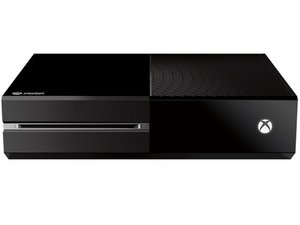
Microsoft's third-generation Xbox game console, released November 22, 2013.

Installing a blank internal hard drive

Hey guys! The internal hard drive of my Xbox One broke completely into the point that it is unreadable by the Xbox and my PC. It was a simple hard drive failure, with the hard drive ‘reading hand’ somehow lagging, which caused the magnetic structure of the hard drive to lose all data. This means I cannot transfer any data from the old drive to a theoretical new drive.

Can I simply buy a blank new hard drive, punch it in the Xbox One and turn it on? Or somehow use a flash drive to install a new OS on the hard drive? Is there any way I can make my Xbox One work again?

Thanks in advance :)

이 질문에 답하기 저도 같은 문제가 있습니다

좋은 질문입니까?

점수 0
댓글 달기

답변 2개

가장 유용한 답변

You can’t expect it to work like the PS4, Xbox One is not designed with internal HDD user self-service in mind.

Although it is possible. There are utilities exist to format blank hard drives exact like Xbox One factory default, then download the correct version of the OS image and manually put all the files there, then the console should be ready for a recovery boot and you can further recover it to actual factory default.

이 답변이 도움이 되었나요?

점수 1

댓글 2개:

Cool, thanks for the answer! Can you name a utility I can use to format the hard drive? And where can I download a correct version of the OS?

Something like this:

https://www.pcsavants.com/tech-tips/xbox...

Not sure if it is still relevant or up to date, but you can try.

댓글 달기

Yes but it will be like brand new so you have to sign in to your Microsoft account and all ur games should be there

이 답변이 도움이 되었나요?

점수 0
댓글 달기

답변을 추가하세요

Harri Huttunen 영원히 감사할 것입니다.
조회 통계:

지난 24시간: 0

지난 7일: 5

지난 30일: 21

전체 시간: 3,112