The fact that it only happens in Sims 4, and the D-pad works in other games, is a big clue — a broken D-pad usually fails everywhere, not in one game. So first check Sims 4 itself: reset its controls to default, turn off any mods or custom control schemes, and check whether the game is using a different controller profile or has camera controls mapped to the stick.
Also, with the controller on a table and untouched, watch whether the left stick creeps on its own in other games. If it only creeps in Sims 4, that again points to that game's settings.
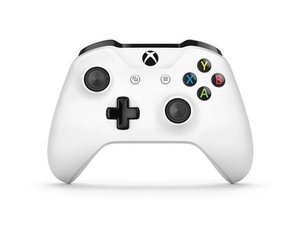
To check whether the controller itself is sending those inputs,test your controller online for free and press each D-pad direction and move the left stick slowly. If every press registers cleanly there, the hardware is sending the right signals and the fault is almost certainly in Sims 4's settings, mods, or profile. If a direction misses or the stick drifts untouched, clean around the stick, check for a stuck button, and test wired versus Bluetooth before opening it.
Disclosure: I run this free tester.

 3


connecting to a computer? or on the xbox console?
Logixal 의 공유
Connecting to my xbox 1
[deleted] 의 공유