
 2
2 Windows will not boot after Splash screen.
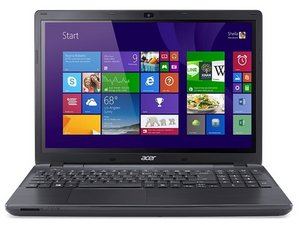
My ACER aspire E15 E5-573G laptop will not boot into windows anymore. After an update in November 2022 the computer logged on fine after that particular update then I shut it down as usual. The next day I Booted it up just to the Acer spash screen with a spinning circle of dots then the screen goes black with the spinning dots stay on for a moment then go away to a black screen. I've tried everything sadly it requires a password to uninstall an update or do start up recovery that I'm sure is right yet it still says it's wrong, there's 7 years of data I'd like to not loose. Can anyone help me? Also I made a bootable disk on a USB I have with another computer and the start up repair didn't work. Thank you in advance.
Update (07/11/24)
I just reinstalled windows and used a device to copy the HDD to my new computer so nothing was lost and the laptop works again.
좋은 질문입니까?

 425
425  1.6k
1.6k 

댓글 2개
Hi @waffleson45,
Is the HDD being shown as detected in the BIOS menus?
What happened when you used the USB recovery disc, what messages were displayed on the screen?
jayeff 의
@jayeff It is being detected yes, and after doing startup repair it says could not repair PC C:WINDOWS\System32\Logfiles\Srt\SrtTrail.txt
Ryan Meade 의