주요 콘텐츠로 건너뛰기
수리 커뮤니티 가입 - 계정 만들기

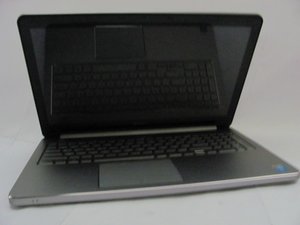
Repair and service information related to Dell Inspiron 15" (inch) laptops.

No display. White LED blinking.

Earlier this had a bad battery issue. (Some combination of Amber and white.) But it worked after clearing CMOS. But now Fan spinning for about 3 seconds and the white diagnostic led blinking. Tried clearing CMOS, and unplugging everything unnecessary.

이 질문에 답하기 저도 같은 문제가 있습니다

좋은 질문입니까?

점수 0
댓글 달기

답변 1개

@lewishamilton use the 5000 series Inspiron 15 5567 Servicemanual En Usand check page 85 to determine what the trouble code will look like. If it is a continuous white light that blinks, this appears to be a non-specific hardware failure code. I would try this first. Disconnect the power from the computer by unplugging the power cord from your computer. Disconnect all external devices from the computer. Remove the battery Now hold the power button depressed for about 30sec-1min. Reapply the AC power adapter and see if your computer does show any sign of life.

It would have been nice if you could remember what happened on here (Some combination of Amber and white.)

이 답변이 도움이 되었나요?

점수 0

댓글 4개:

Hi, Yes I checked the service manual before starting the thread, but there isn't anything similar.

Already tried that but no success.

Unfortunately, I can't remember the exact combination. But I checked some Dell manuals and mentioned as bad battery.

@lewishamilton that could most certainly be a possibility. Commonly a bad battery should not prevent your computer from coming on. Remove/replace it and also remove the RAM and see if that changes anything. A bad Ram stick can prevent your computer from coming on.

@oldturkey03 I don't replace it for TSing - I disconnect it, wipe the CMOS RAM and reconnect. That usually does the job, and the old battery can be reused.

@nick not for the troubleshooting. You are right, for that you only need to disconnect the battery.

댓글 달기

답변을 추가하세요

Lewis Hamilton 영원히 감사할 것입니다.
조회 통계:

지난 24시간: 1

지난 7일: 15

지난 30일: 58

전체 시간: 779
