주요 콘텐츠로 건너뛰기

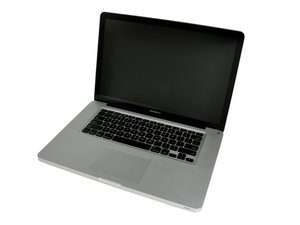
모델 A1286. 2011년 2월 출시 / 2.0, 2.2, 또는 2.3 GHz 쿼드-코어 Intel Core i7 프로세서

MAC doesnt detect CAM

My laptop hasn't detect my cam. I changed my battery and I did a SMC reset. After doing it my cam has disappeared. I have done a SMC reset but CAM doesn't appear. I don't know what to do to check if the cam is ok or if it's broken. Any help is welcome.

이 질문에 답하기 저도 같은 문제가 있습니다

좋은 질문입니까?

점수 0
댓글 달기

답변 1개

Often your external web camera has an application to setup the camera so the port ID is set. As you have more than one port you could try plugging it into the other or use the App to reset it.

If you are talking about the systems iSight camera that would be a cable connection on the logic board. Review Step 13 in this guide MacBook Pro 15" Unibody Early 2011 Logic Board Replacement see if reseating it solves the problem.

이 답변이 도움이 되었나요?

점수 0

댓글 2개:

Yes I am talking about iSight camera. Do you think just unplug and plug again the cam plug will be solve this?

@andresmend79046 - Depending on what you disturbed in the process of replacing the battery you may only need to press the connection back in (reference step 13 in the guide I posted).


This connection is a bit fragile as pulling on the cable can in fact pull to one or more wires out of the cables connector! So do be gentle, I prefer using two straight bladed screw drivers to wedge between the connector sides to slide the cable end out.


If reseating it fails to work, you might just want to get a USB plug-in Web camera which is supported in macOS. as that will be the easier direction.

댓글 달기

답변을 추가하세요

Andres Mendoza 영원히 감사할 것입니다.
조회 통계:

지난 24시간: 0

지난 7일: 5

지난 30일: 19

전체 시간: 117
