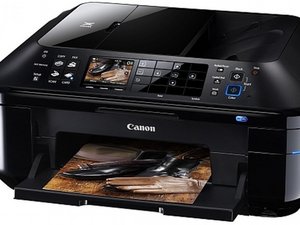

How to replace ink absorber
I am getting a message that my ink absorber is almost full. Manual says to contact service center. Is there a way I can do this myself? Where is the ink absorber located in the printer?
좋은 질문입니까?
점수
1
평판: 13
 1
1
I am getting a message that my ink absorber is almost full. Manual says to contact service center. Is there a way I can do this myself? Where is the ink absorber located in the printer?
좋은 질문입니까?
평판: 862.2k
1.5k
 980
980
 2.4k
2.4k
@mgug use the Canon PIXMA MX880 Series Service Manual On page 32 it will tell you how to replace the ink absorber. It's a PITA but better then tossing it in the bin and creating more eWaste. After that you will need the service tool (software) to reset the EEPROM counter. We can't attach software here so you depend on links like this For now, no link rot and it is still working
이 답변이 도움이 되었나요?
Thank you. This is very helpful.
지난 24시간: 1
지난 7일: 6
지난 30일: 22
전체 시간: 340

