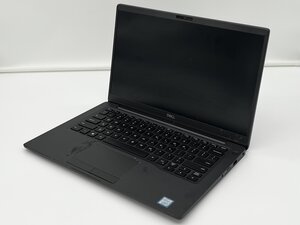

administration password or bios password
how to remove bios or administration password
좋은 질문입니까?
점수
2
평판: 25
 1
1
how to remove bios or administration password
좋은 질문입니까?
평판: 295
7
 6
6
did you set the password and forget? or is the laptop not yours lol
anyway open up the laptop and reseat the cmos battery
이 답변이 도움이 되었나요?
No it didn't... they are still asking for the admistrator password
평판: 550.3k
11
425
 1.6k
1.6k
Hi @lord62122
For a long while while there's been no way to reset the BIOS password, in nearly all makes of laptops, unless you contact the manufacturer, replace the BIOS IC chip with one from the same model motherboard or reflash the chip with the correct BIOS.bin file for the motherboard that it is on. The BIOS firmware updates available from the manufacturer's support page for the model are just that, updates only and not the complete file.
This was a security measure introduced to prevent unauthorized changes to the BIOS settings.
Performing a power refresh by removing all power from the motherboard i.e. charger, main battery and RTC battery (if it has one) only resets certain BIOS settings (not all) back to their factory default state, but not the BIOS password.
이 답변이 도움이 되었나요?
지난 24시간: 1
지난 7일: 13
지난 30일: 58
전체 시간: 901


