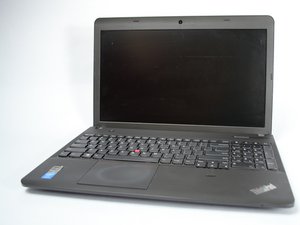

Can I add second ssd?
I'd like to know if i need any hardware to install a second ssd in my e540 laptop. Wether i have to take the DVD out i dont care.
Thanks
좋은 질문입니까?
점수
0
I'd like to know if i need any hardware to install a second ssd in my e540 laptop. Wether i have to take the DVD out i dont care.
Thanks
좋은 질문입니까?
평판: 551.4k
 11
11
 425
425
 1.6k
1.6k
Assuming that you've replaced the sata HDD with a sata SSD and you want to add a 2nd SSD then you don't need additional hardware to install it.
You can remove, if you don't have (or want) the WWAN card (not the WLAN WiFi card) from the motherboard and insert an M.2 2242 SSD in the port in its place.
Here's the hardware maintenance manual for the laptop. Go to p.72 to view the procedure to remove the WWAN/M.2 card.
If you want to keep the WWAN card and insert a 2nd SSD then you will need to remove the dvd drive and insert a caddy with an SSD in its place. Go to p.68 to view the procedure to remove the dvd drive.
이 답변이 도움이 되었나요?
지난 24시간: 1
지난 7일: 10
지난 30일: 20
All Time: 288

