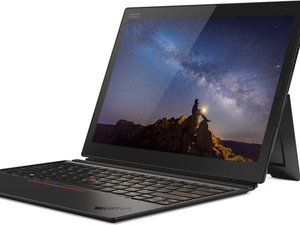

Touchscreen Not Working in Windows 11
After I upgraded to Windows 11, the touchscreen doesn't work anymore. How to fix it?
좋은 질문입니까?
점수
0
After I upgraded to Windows 11, the touchscreen doesn't work anymore. How to fix it?
좋은 질문입니까?
평판: 546.7k
 11
11
 421
421
 1.6k
1.6k
Hi @raydyliacco
Check the status of the touchscreen in Device Manager to see if it is installed correctly or whether it is disabled etc.
Go to Device Manager > Human Interface Devices > HID Compliant touch screen.
To get to Device Manager in Win11, press the Win key + x key (both together) and click on the Device Manager link in the menu box that opens.
이 답변이 도움이 되었나요?
thanks that also helped me my nig
<3
지난 24시간: 3
지난 7일: 14
지난 30일: 72
전체 시간: 1,054

