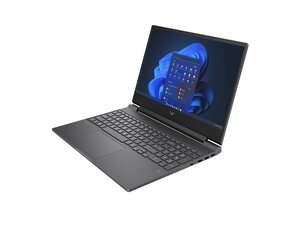

Mouse pad is stuck
My mouse pad is stuck and the left click is constantly pressed which makes the pad unusable
좋은 질문입니까?
점수
1
평판: 13
 1
1
 1
1
My mouse pad is stuck and the left click is constantly pressed which makes the pad unusable
좋은 질문입니까?
평판: 861k
1.5k
978
 2.4k
2.4k
@ghost47490 start off by checking and adjusting the settings for your touchpad.
Through Windows Settings:
Through Control Panel:
If none of that will make a difference I would consider removing and checking the touchpad for and physical damage and/or replacing it. Use the HP Victus Maintenance And Service Guide and on page 59 it tells you how to work on it.
이 답변이 도움이 되었나요?
지난 24시간: 0
지난 7일: 8
지난 30일: 34
전체 시간: 766

