주요 콘텐츠로 건너뛰기
수리 커뮤니티 가입 - 계정 만들기

Parrot Skycontroller 2 Buttons Replacement

필요한 것

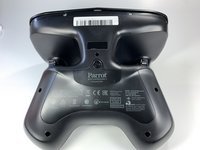
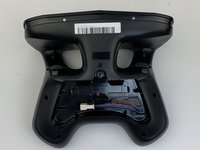
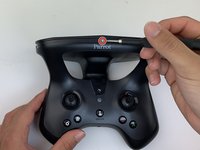
  1. Parrot Skycontroller 2 Buttons Replacement, Battery: 1 단계, 이미지 3개 중 1개 Parrot Skycontroller 2 Buttons Replacement, Battery: 1 단계, 이미지 3개 중 2개 Parrot Skycontroller 2 Buttons Replacement, Battery: 1 단계, 이미지 3개 중 3개
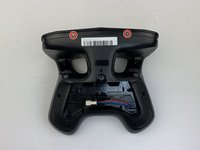
    • Flip your controller face down.

    댓글 쓰기

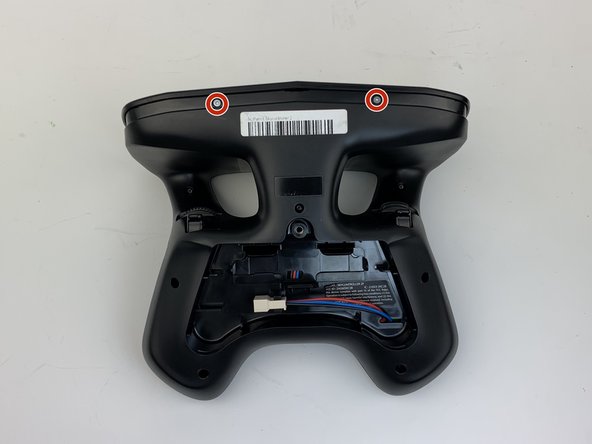
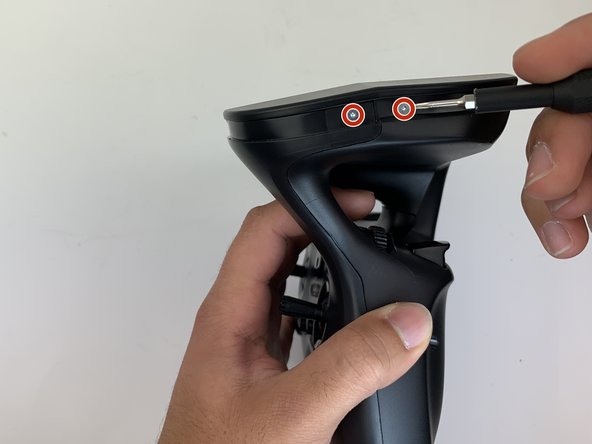
  2. Parrot Skycontroller 2 Buttons Replacement: 2 단계, 이미지 1개 중 1개
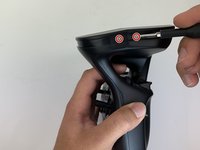
    • Remove one 9mm screw using a #4 flathead screwdriver.

    댓글 쓰기

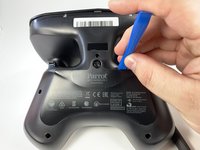
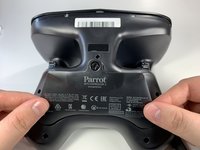
  3. Parrot Skycontroller 2 Buttons Replacement: 3 단계, 이미지 3개 중 1개 Parrot Skycontroller 2 Buttons Replacement: 3 단계, 이미지 3개 중 2개 Parrot Skycontroller 2 Buttons Replacement: 3 단계, 이미지 3개 중 3개
    • Insert the plastic opening tool into the top of the cover and pry upwards to lift the battery cover.

    • Remove the cover by pulling up and out.

    댓글 쓰기

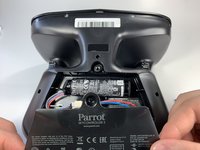
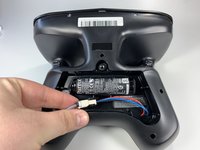
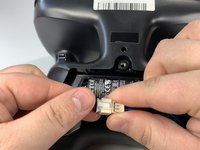
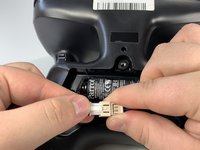
  4. Parrot Skycontroller 2 Buttons Replacement: 4 단계, 이미지 3개 중 1개 Parrot Skycontroller 2 Buttons Replacement: 4 단계, 이미지 3개 중 2개 Parrot Skycontroller 2 Buttons Replacement: 4 단계, 이미지 3개 중 3개
    • Pull the connectors out by gently pushing the tabs and pulling up on the connector.

    • Disconnect the battery from the remote by pressing the white tab and pulling the connectors apart.

    댓글 쓰기

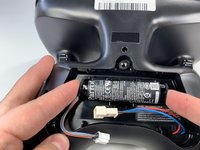
  5. Parrot Skycontroller 2 Buttons Replacement: 5 단계, 이미지 2개 중 1개 Parrot Skycontroller 2 Buttons Replacement: 5 단계, 이미지 2개 중 2개
    • Remove the battery from its brackets by pulling up on the ends of the battery.

    댓글 쓰기

  6. Parrot Skycontroller 2 Buttons Replacement, Buttons: 6 단계, 이미지 1개 중 1개
    • Remove the seven black 11mm screws using the Torx TR6 screwdriver.

    • There is a hidden screw located behind the sticker in the battery compartment.

    • Pull back the sticker with your finger nail and remove the one black 11mm screw using the Torx TR6 screwdriver.

    댓글 쓰기

  7. Parrot Skycontroller 2 Buttons Replacement: 7 단계, 이미지 3개 중 1개 Parrot Skycontroller 2 Buttons Replacement: 7 단계, 이미지 3개 중 2개 Parrot Skycontroller 2 Buttons Replacement: 7 단계, 이미지 3개 중 3개
    • Remove the seven silver 4mm screws from around the edge of the top plate using the Torx TR6 Screwdriver.

    • The opposite side to the third picture has a screw located on each side of the USB port.

    댓글 쓰기

  8. Parrot Skycontroller 2 Buttons Replacement: 8 단계, 이미지 1개 중 1개
    • Remove the battery compartment plate by pulling up and out.

    댓글 쓰기

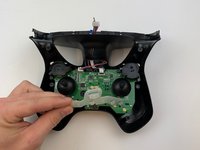
  9. Parrot Skycontroller 2 Buttons Replacement: 9 단계, 이미지 1개 중 1개
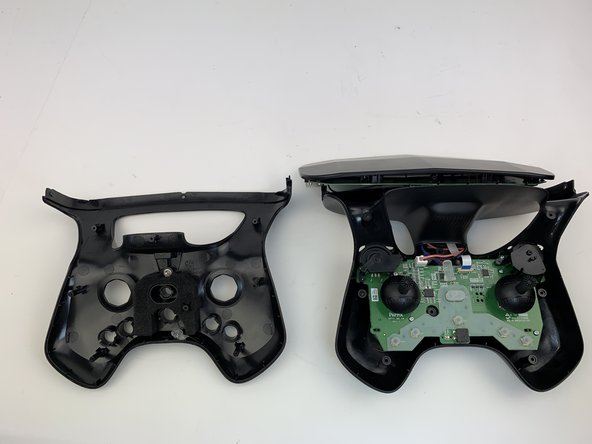
    • Remove the top plate by pushing on the corners with your hand.

    • Be careful to not pull too hard on the cable.

    댓글 쓰기

  10. Parrot Skycontroller 2 Buttons Replacement: 10 단계, 이미지 2개 중 1개 Parrot Skycontroller 2 Buttons Replacement: 10 단계, 이미지 2개 중 2개
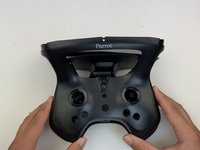
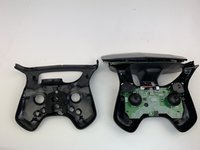
    • Remove the face plate by pulling up and out.

    • Buttons will fall out when this plate is removed.

    댓글 쓰기

  11. Parrot Skycontroller 2 Buttons Replacement: 11 단계, 이미지 3개 중 1개 Parrot Skycontroller 2 Buttons Replacement: 11 단계, 이미지 3개 중 2개 Parrot Skycontroller 2 Buttons Replacement: 11 단계, 이미지 3개 중 3개
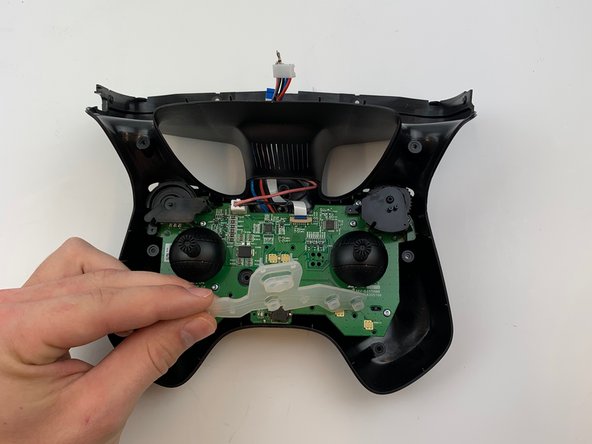
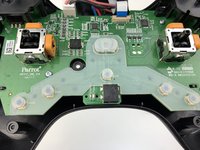
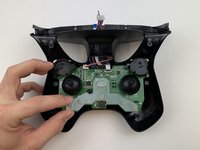
    • Use some force pull up and out on the rubber backing for the buttons.

    댓글 쓰기

결론

To reassemble your device, follow these instructions in reverse order.

취소: 해당 안내서를 완성하지 않았습니다.

작성자

3다른 기여자 명과 함께

Samuel Lama

회원 가입일: 01/26/20

136 평판

안내서 1개를 작성함

0가이드 댓글

댓글 쓰기

조회 통계:

지난 24시간: 0

지난 7일: 5

지난 30일: 23

전체 시간: 615