소개
If your Sonos Roam is having audio issues such as distorted sound, cutting out, or no sound playing, then use this guide to replace the speaker module.
The speaker module is the large, internal component that produces the sound. A broken speaker module will result in various audio issues.
Before using this guide, make sure the Bluetooth is stable. Also try rebooting the device before performing any replacement.
There are steps that recommend (not require) the use of the iOpener. This will help with carefully removing the adhesive used to keep this device together. Refer to this link on how to properly use the iOpener.
필요한 것
-
-
-
Use the metal spudger to pry the end cap with the buttons.
-
Pry from all sides to loosen the adhesive.
 FixBot에 문의하기
-
-
-
Flip the device to the other end cap.
-
Use the metal spudger to loosen the adhesive.
-
-
-
-
-
Flip the device so that the Sonos logo is on the top.
-
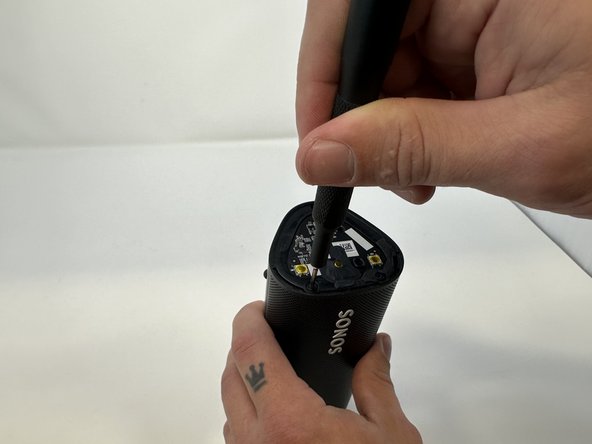
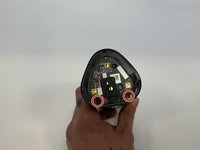
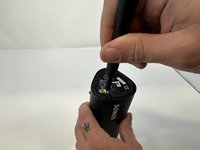
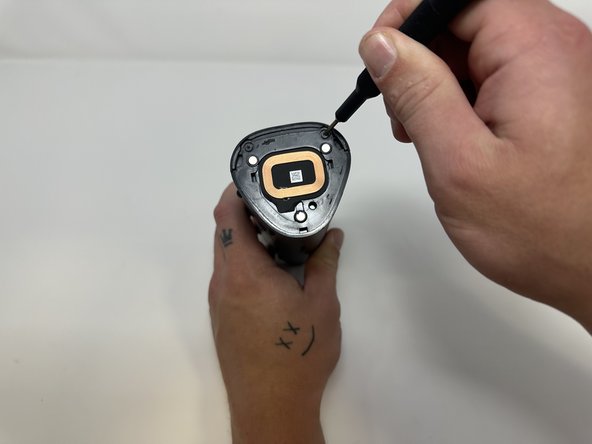
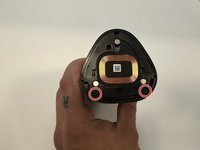
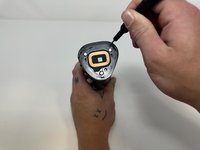
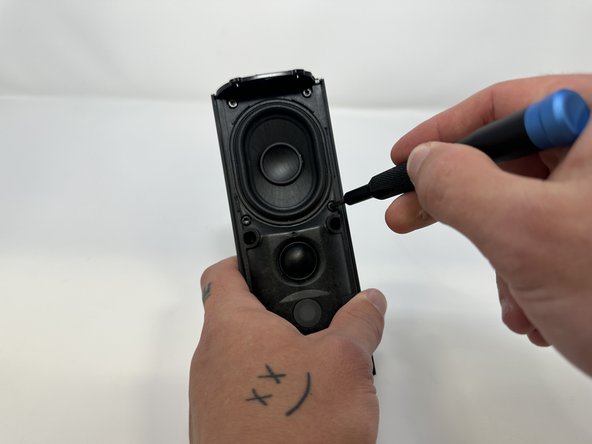
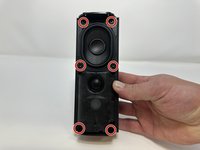
Use the Torx T6 screwdriver to remove the two 6 mm screws.
-
-
-
-
Flip the device so the Sonos logo is on the top.
-
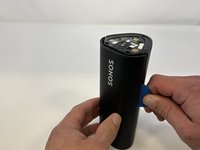
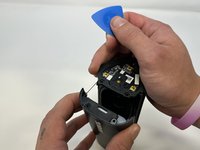
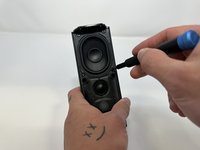
Use the iFixit opening picks to wedge between the split of the grille and the back of the speaker to pry the grille apart.
-
-
-
-
이 단계에 사용된 도구:Tweezers$4.99
-
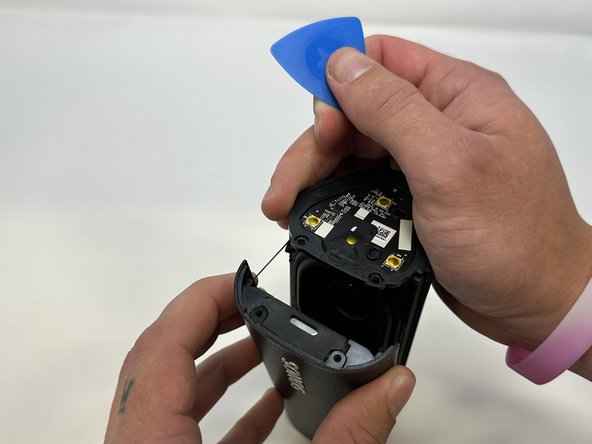
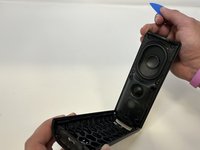
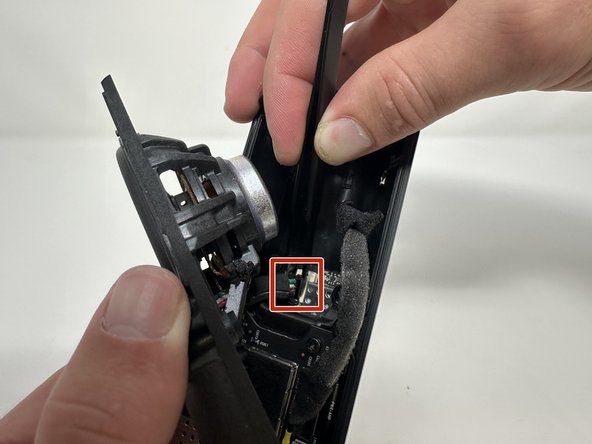
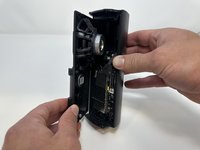
Begin to carefully separate the speaker module from the device.
-
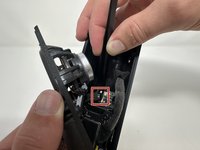
Firmly squeeze the middle of the plug using the tweezers to pull it out of the socket.
-
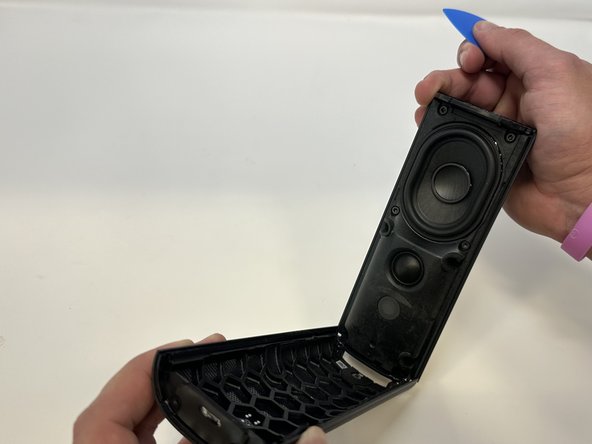
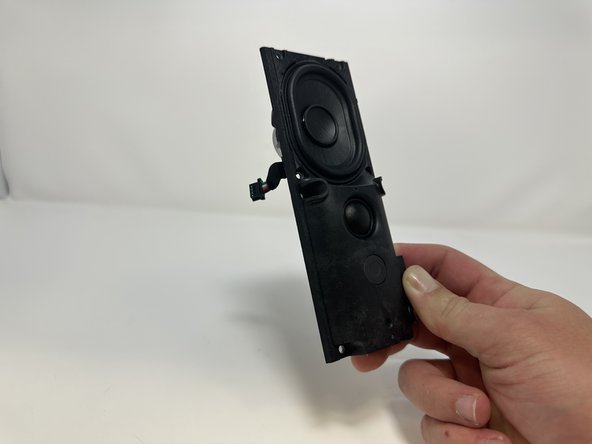
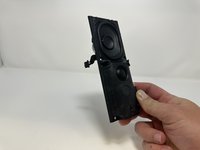
Separate the speaker module from the device.
-







To reassemble your device, follow these instructions in reverse order.

팀

Utah Tech University, Team 1-2, McMurrin Fall 2023 Utah Tech University, Team 1-2, McMurrin Fall 2023 회원
UTAHTECH-MCMURRIN-F23S1G2
3 회원들
안내서 28개를 작성함
